
Sync Novacal with Outlook Calendar — Microsoft 365 Scheduling Integration
Overview
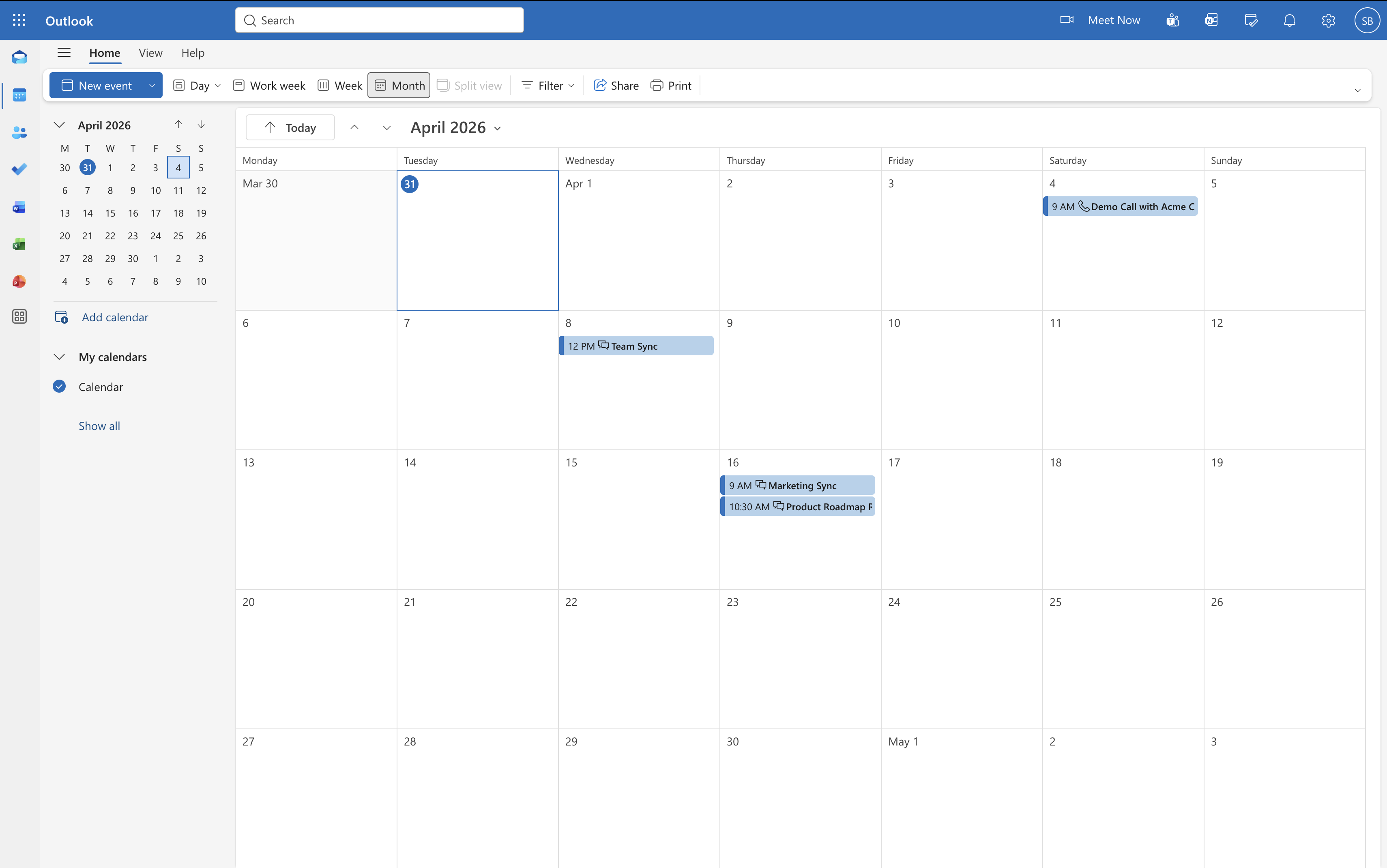
Connect Outlook Calendar to sync your existing calendar events with Novacal and avoid double bookings. Novacal uses your connected Outlook calendars for booking conflicts and can automatically add booked events to your selected calendar.
Configure
Go to Apps & Integrations Outlook Calendar and click “Connect.” Sign in with your Outlook account to complete the connection. To connect another calendar, click “Add Another” and follow the same steps. For more details, visit our help page.
Outlook Calendar
By Novacal
- Website
- outlook.microsoft.com
- Category
- Calendar
- Contact
- support@novacal.io