
Connect Novacal to HubSpot and Sync Bookings with Your CRM Automatically
Overview
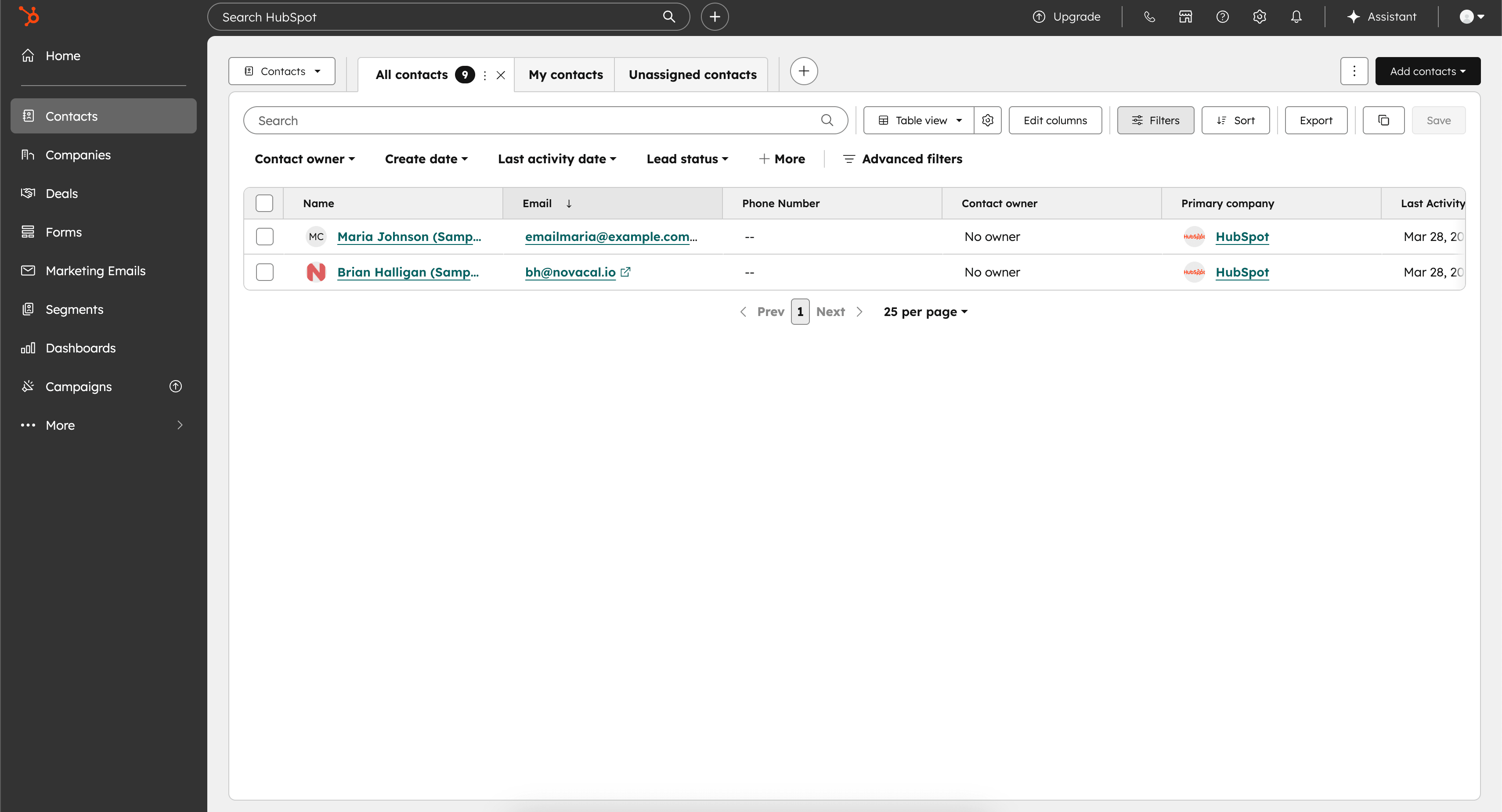
Connect HubSpot to sync booked contacts from your enabled event types into HubSpot. Novacal matches existing contacts by email when possible and creates them when needed, giving you simple contact syncing without extra setup.
How it works
After you connect HubSpot, you can choose which event types should sync from the HubSpot integration page or from the Apps tab inside each event type. When someone books one of those enabled event types, Novacal checks for an existing HubSpot contact by email and creates it if it does not exist.
Configure
Go to Apps & Integrations HubSpot and click “Connect.” Complete the HubSpot authorization flow, then select which event types should sync. For more details, visit our help page.