
Sync Google Calendar with Novacal & Prevent Double Bookings Automatically
Overview
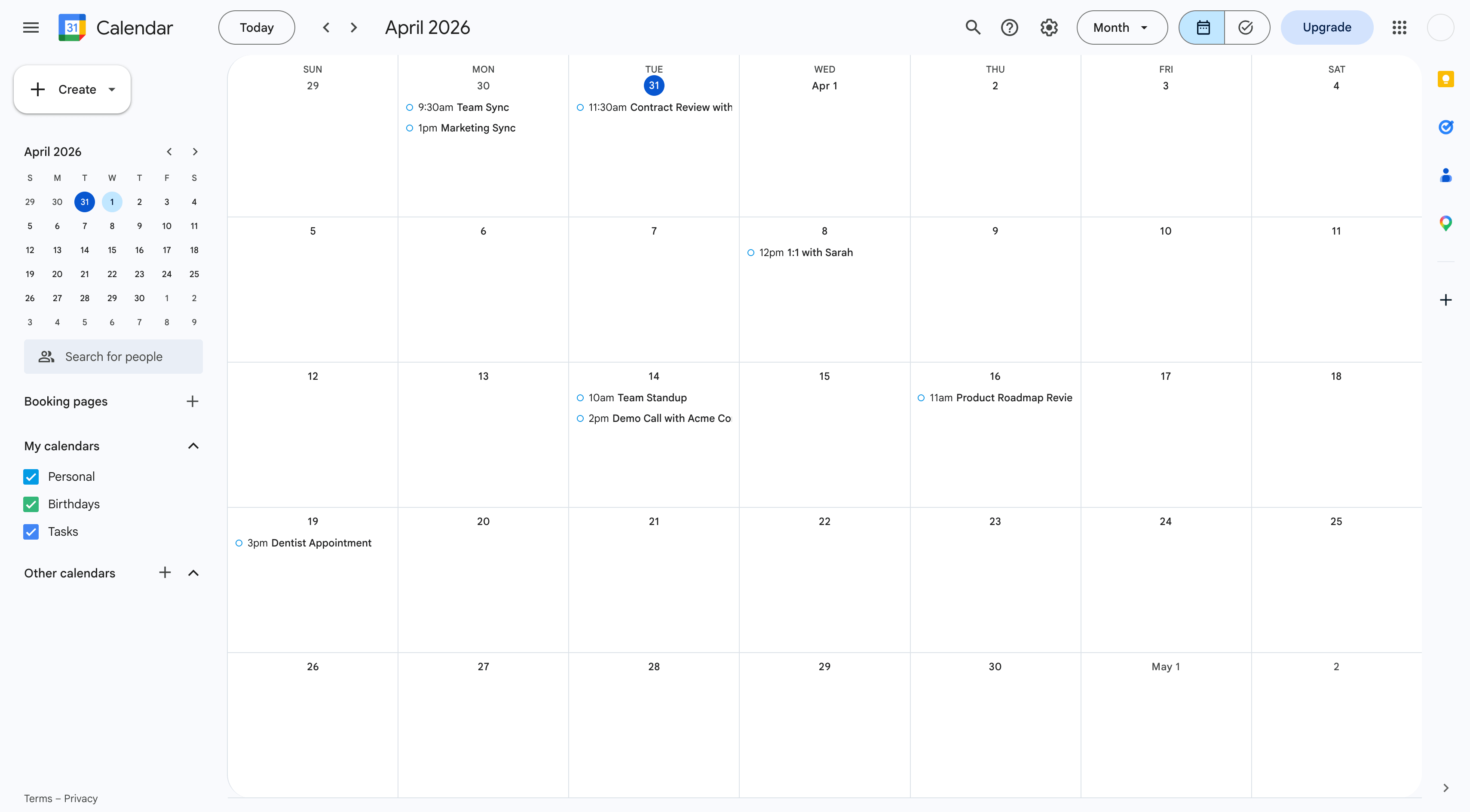
Connect Google Calendar to sync Novacal bookings automatically, keep your availability accurate, and prevent double bookings. Novacal checks one or more connected Google calendars for busy times and can automatically add booked meetings to your selected calendar.
Configure
Go to Apps & Integrations Google Calendar and click “Connect.” Sign in with your Google account, grant access, and add another calendar if you want to use multiple calendars for conflict checking. For more details, visit our help page.
Google Calendar
By Novacal
- Website
- calendar.google.com
- Category
- Calendar
- Contact
- support@novacal.io