
Finding the right scheduling app can save hours of back-and-forth emails, reduce missed meetings, and create a smoother booking experience for your clients, leads, teammates, or customers.
But not every scheduling app is built for the same use case.
Some tools are designed for simple meeting links. Others are better for paid appointments, salons, clinics, consultants, sales teams, group polls, or AI-powered calendar planning. The scheduling app that works well for a solo consultant may not be the right choice for a growing team or a service business that needs payments, deposits, reminders, and client records.
In this guide, we compare some of the best scheduling apps available today, including Novacal, Calendly, Square Appointments, Acuity Scheduling, Google Calendar Appointment Schedules, YouCanBookMe, Doodle, Zencal, and Reclaim AI.
What is a scheduling app?
A scheduling app is software that helps people book meetings, appointments, calls, consultations, classes, or events without manually coordinating availability.
Instead of asking “What time works for you?” over email, you share a booking link. The other person chooses an available time, and the scheduling app creates the calendar event automatically.
Most scheduling apps include features like:
- Booking links
- Calendar sync
- Availability rules
- Time zone detection
- Automated email reminders
- Video meeting integrations
- Booking questions or intake forms
- Team scheduling
- Website embeds
The best scheduling app depends on what you are scheduling. For meetings, you probably want calendar sync, clean booking pages, team scheduling, and integrations. For appointments, you may need payments, deposits, staff calendars, and customer management. For group coordination, polling may matter more than a polished booking page.
Quick comparison: best scheduling apps
| Scheduling app | Best for | Main strength |
|---|---|---|
| Novacal | Modern scheduling for individuals, teams, and organizations | Clean booking experience with advanced team scheduling, routing, integrations, and organization workflows |
| Calendly | General-purpose meeting scheduling | Familiar interface, broad integrations, strong team features |
| Square Appointments | Service businesses that take payments | Appointments, payments, staff calendars, deposits, and POS tools |
| Acuity Scheduling | Appointment-based businesses | Client intake, payments, reminders, packages, and business workflows |
| Google Calendar Appointment Schedules | Simple Google-native booking | Booking pages directly inside Google Calendar |
| YouCanBookMe | Simple booking pages for small businesses | Straightforward scheduling and customizable booking flows |
| Doodle | Group polls and finding shared availability | Easy group coordination without complex setup |
| Zencal | Paid sessions and service sales | Bookings, payments, reminders, and invoicing |
| Reclaim AI | AI calendar planning and time blocking | AI scheduling for tasks, habits, focus time, and smart meetings |
1. Novacal
Best for: Modern meeting scheduling for individuals, teams, and organizations.
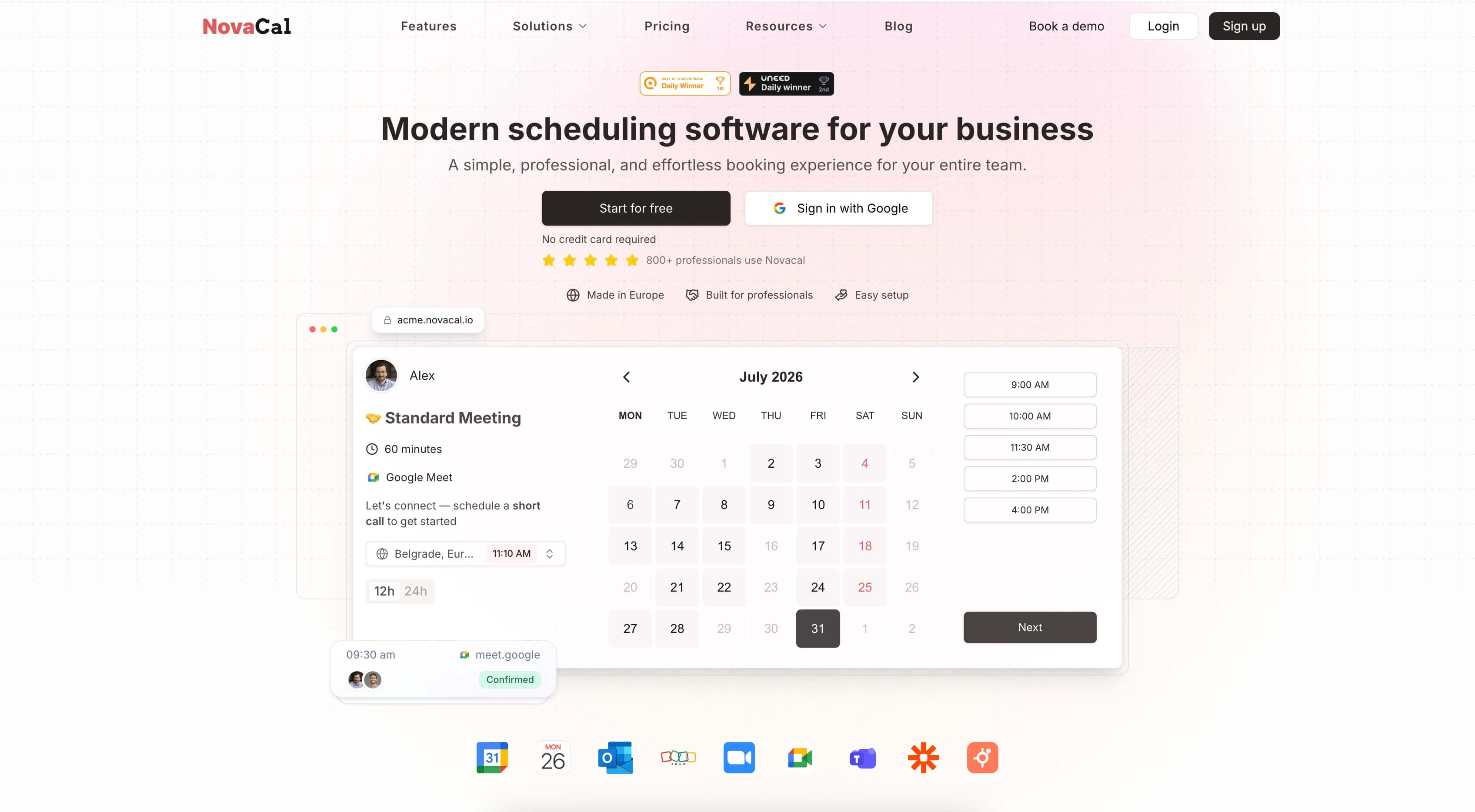
If you are choosing the scheduling app for your team rather than just a personal booking link, Novacal is built for that step up. It handles the core meeting workflow — booking pages, calendar sync, automatic conflict checking, reminders, and video links — and then adds the team routing, white labeling, and automation that growing businesses usually have to switch tools to get.
The invitee experience stays simple: they open your page, choose a time, and receive the meeting details. Behind that page, you can run team availability, lead routing, booking questions, and post-booking workflows without making the booker do any extra work.
Novacal is especially relevant for:
- Sales teams
- Marketing teams
- Consultants
- Recruiters
- Coaches
- Agencies
- Small businesses
- Growing organizations
Why Novacal stands out
Novacal's differentiator is that features other tools reserve for enterprise plans — white labeling, lead routing, and collective team events — are part of the core scheduling experience. A lot of apps make you choose between a simple personal link and a heavy business platform. Novacal keeps the invitee-facing page minimal while giving the business real control underneath.
Novacal can support:
- Multiple event types, including one-on-one calls, group meetings, and collective events that pool a whole team's availability
- Calendar sync across Google, Outlook, iCloud, and Zoho to prevent double bookings
- Routing forms that qualify website visitors and send them to the right person or team
- Automated workflows for confirmations, reminders, and follow-ups when a meeting is booked, rescheduled, or cancelled
- Full white labeling with your company subdomain, logo, and colors
- Booking questions and custom intake fields per event type
- Post-booking redirects to thank-you pages, payment portals, or resources
- Team management with unlimited teams
- A REST API, Zapier, and an MCP endpoint for integrations
- Website embeds
- A free plan to start, with paid plans for teams
This makes it a practical fit for sales teams cutting down on no-shows, marketing teams routing inbound leads, consultants letting clients book billable time, and recruiters coordinating interviews — all from booking pages that carry their own branding.
Where Novacal may not be the best fit
Novacal is focused on meeting scheduling and team booking workflows. If you need a full point-of-sale system, inventory, or deep in-person service operations like salon or retail management, a tool like Square Appointments or Acuity Scheduling may be a better fit. If your core need is AI time-blocking and calendar optimization rather than letting others book you, Reclaim AI is the closer match.
Best fit
Choose Novacal if you want the scheduling app that stays effortless for invitees but gives teams real depth — branded pages, calendar sync, routing, collective events, and automated workflows — without forcing you onto a heavier business-management system.
2. Calendly
Best for: General-purpose meeting scheduling.
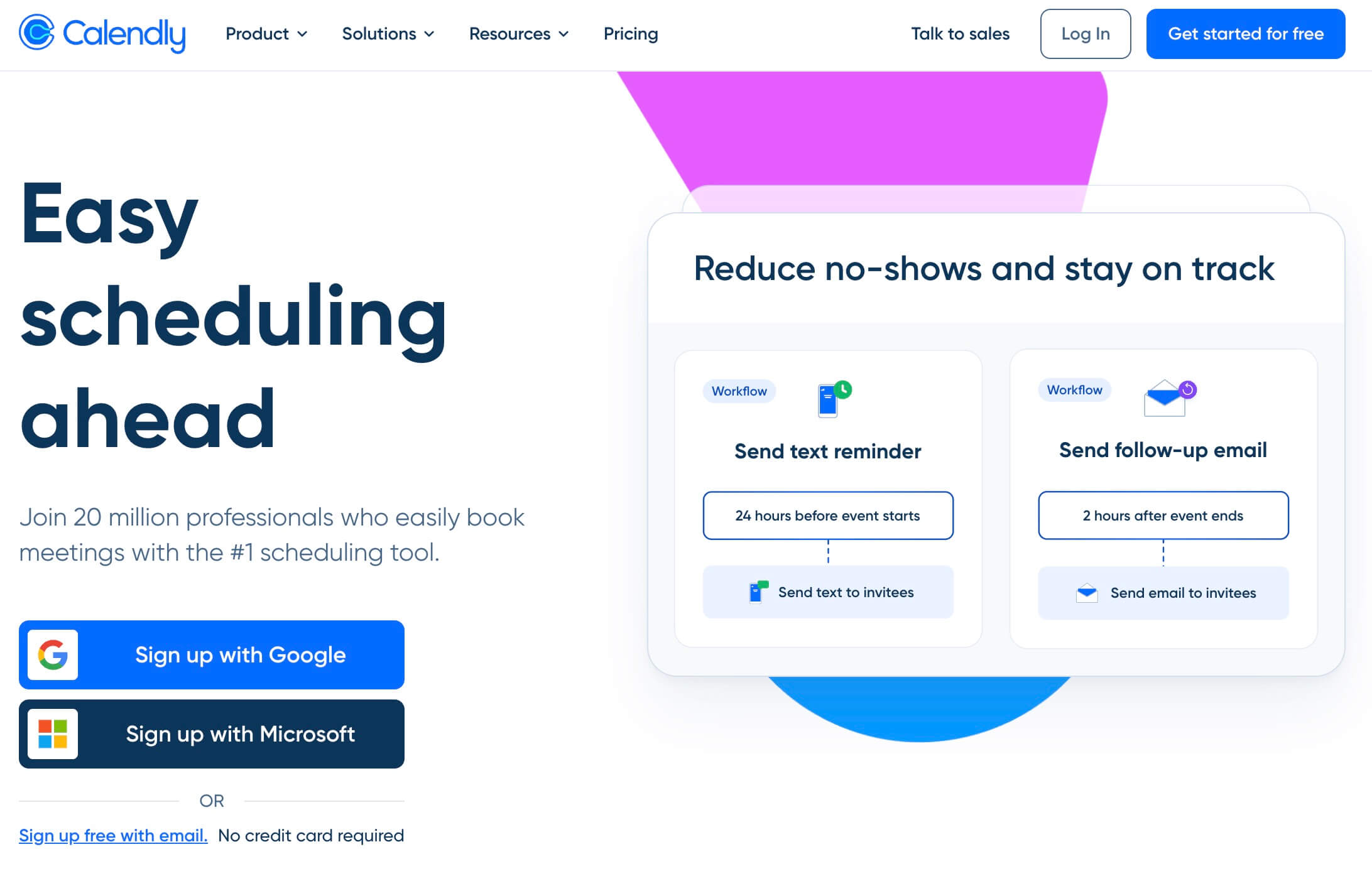
Calendly is one of the best-known scheduling apps. It is widely used by individuals, startups, sales teams, recruiters, customer success teams, and larger organizations.
Its main use case is simple: create event types, connect your calendar, share a booking link, and let people schedule time with you.
Calendly supports many common scheduling workflows, including one-on-one meetings, team scheduling, routing, round-robin scheduling, reminders, and integrations with popular business tools.
Why Calendly stands out
Calendly is popular because it is familiar and flexible. Many people have already used a Calendly link before, so there is very little learning curve for invitees.
Calendly is a good option if you need:
- A well-known scheduling tool
- Multiple event types
- Team scheduling
- Routing forms
- CRM and marketing integrations
- Automated reminders
- Payment integrations
- Enterprise features
Where Calendly may not be the best fit
Calendly can become more expensive as your team grows or as you need more advanced features. It is also a very common tool, so if you want your scheduling experience to feel more polished, differentiated, or brand-forward, you may want to compare alternatives.
Best fit
Choose Calendly if you want a mature, widely adopted scheduling platform with strong integrations and team features. If you are weighing it against Novacal, see our Novacal vs Calendly comparison.
3. Square Appointments
Best for: Service businesses that take payments.
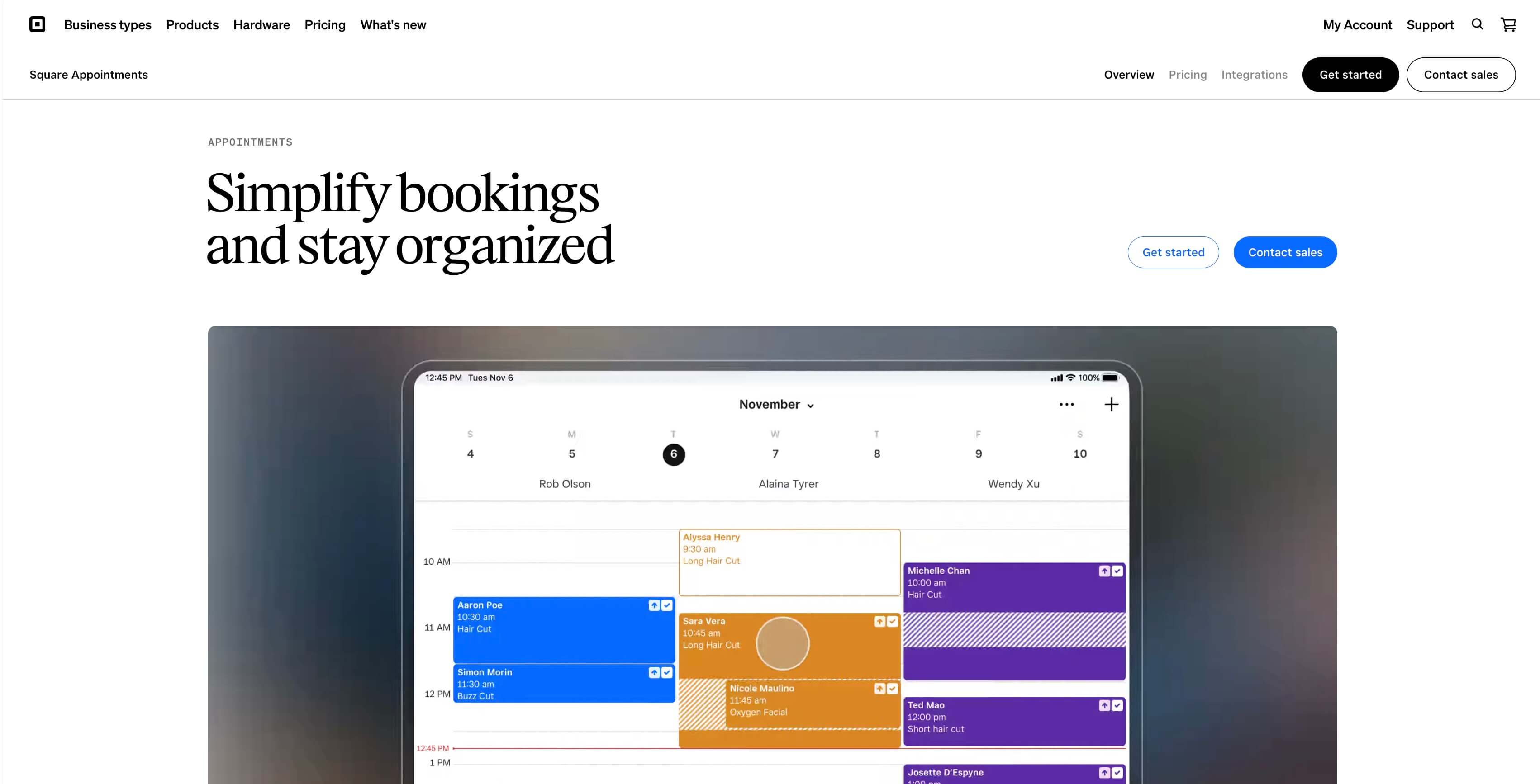
Square Appointments is different from many meeting scheduling apps because it is built around service businesses. It is not just a booking-link tool. It is part of the broader Square ecosystem, which includes payments, point of sale, customer management, invoicing, hardware, and business operations.
That makes Square Appointments especially useful for businesses like:
- Salons
- Barbershops
- Beauty studios
- Wellness businesses
- Fitness professionals
- Local service providers
- Businesses that need deposits or payment collection
Why Square Appointments stands out
Square Appointments combines online booking with payments and business management. Customers can book online, receive reminders, pay deposits, and interact with the business through a more complete commerce workflow.
Square Appointments can support:
- Online booking websites
- Staff calendars
- Appointment reminders
- Payment collection
- Deposits
- No-show protection
- Google Calendar sync
- Multi-staff appointment booking
- Waitlists
- Resource management
- Point-of-sale workflows
This makes it much stronger for appointment-based businesses than a generic meeting scheduler.
Where Square Appointments may not be the best fit
If you only need to schedule sales calls, demos, interviews, internal meetings, or client consultations, Square Appointments may feel heavier than necessary. It is strongest when scheduling is tied to payments, staff, and real-world service operations.
Best fit
Choose Square Appointments if your scheduling workflow is connected to payments, staff calendars, deposits, and in-person or service-based appointments.
4. Acuity Scheduling
Best for: Appointment-based businesses that need client workflows.
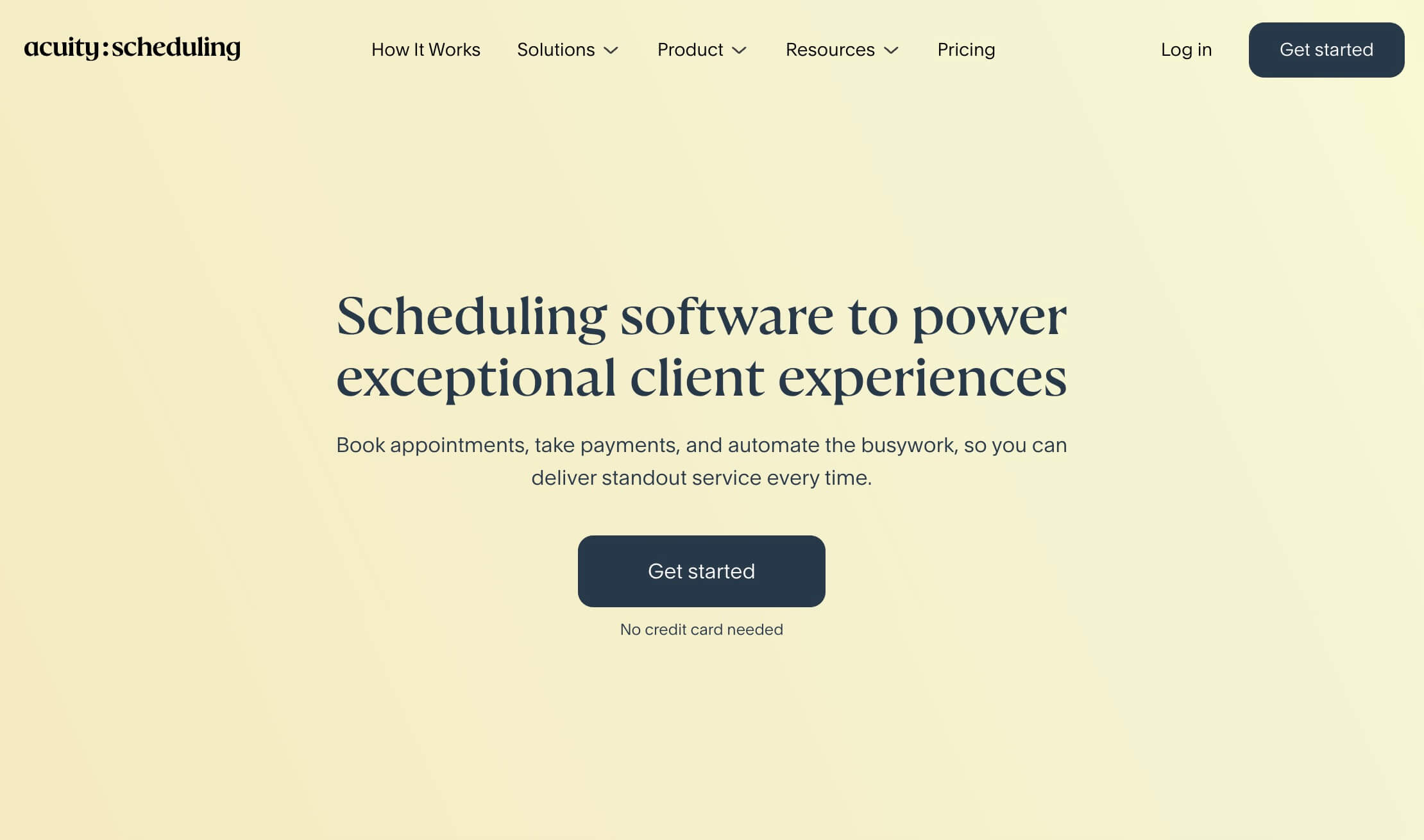
Acuity Scheduling is another strong option for businesses that book appointments rather than simple meetings. It is often used by consultants, coaches, therapists, educators, wellness professionals, service providers, and small businesses that need more structure around client bookings.
Compared with a simple meeting scheduler, Acuity offers more business workflow features. It can help with intake forms, payments, packages, subscriptions, reminders, client records, and follow-up communication.
Why Acuity Scheduling stands out
Acuity is strong when the appointment itself is part of a broader client workflow.
For example, a business may need to:
- Ask questions before the appointment
- Collect payment
- Send reminders
- Manage client profiles
- Offer packages or subscriptions
- Reduce no-shows
- Embed booking on a website
- Track appointment history
Acuity is built for those kinds of workflows.
Where Acuity may not be the best fit
If your main need is simple meeting scheduling for a team, Acuity may feel more complex than necessary. It is best for appointment-based service businesses, not necessarily for SaaS teams, sales calls, recruiting interviews, or internal meeting coordination.
Best fit
Choose Acuity Scheduling if you run an appointment-based business and need more than a simple booking link. For a side-by-side look, see our Novacal vs Acuity Scheduling comparison.
5. Google Calendar Appointment Schedules
Best for: Simple booking directly inside Google Calendar.
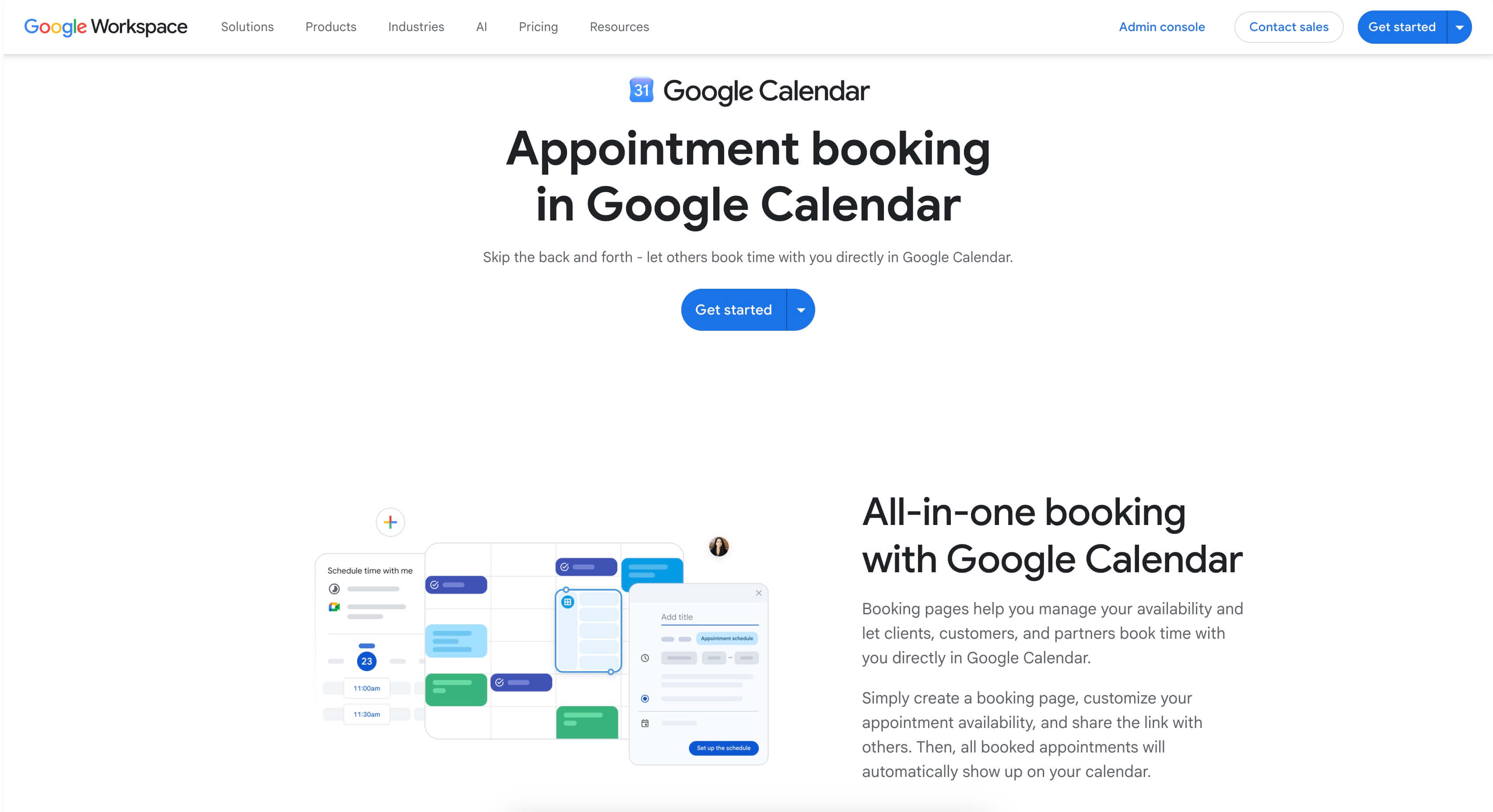
Google Calendar includes a native appointment scheduling feature that lets users create booking pages based on their availability. People can then book time with you, and the appointment is added directly to your Google Calendar.
This is useful because many people already live inside Google Calendar. If your scheduling needs are simple, you may not need a separate app right away.
Why Google Calendar Appointment Schedules stands out
The biggest advantage is convenience. You can create a booking page from Google Calendar, define your availability, and share the link with others.
Google Calendar Appointment Schedules can work well for:
- Simple one-on-one bookings
- Personal appointment pages
- Basic availability sharing
- Google Workspace users
- People who do not need many external integrations
Where Google Calendar may not be the best fit
Google Calendar Appointment Schedules is not as specialized as dedicated scheduling apps. If you need stronger branding, routing, team scheduling, advanced reminders, broader integrations, analytics, payments, or multiple workflow types, you may outgrow it.
It is a good native option, but not always the best scheduling app for businesses that need a more polished or scalable booking experience.
Best fit
Choose Google Calendar Appointment Schedules if you want basic booking pages inside Google Calendar and do not need a dedicated scheduling platform yet.
6. YouCanBookMe
Best for: Simple booking pages for small businesses.
YouCanBookMe is a scheduling app focused on making online booking straightforward. It is commonly used by small businesses, consultants, freelancers, coaches, educators, and customer-facing teams.
Its core value is simple: create a booking page, connect your calendar, and let people schedule time with you.
Why YouCanBookMe stands out
YouCanBookMe is useful for people who want a dedicated scheduling page without too much complexity. It offers a practical booking experience and can be customized around different availability rules and appointment types.
It is a good fit for:
- Solo professionals
- Small businesses
- Client meetings
- Office hours
- Consultations
- Simple appointment booking
Where YouCanBookMe may not be the best fit
YouCanBookMe is solid for simple scheduling, but teams with advanced routing, complex sales workflows, or deep business integrations may prefer a more team-oriented platform.
Best fit
Choose YouCanBookMe if you want a straightforward scheduling app for booking pages and client meetings.
7. Doodle
Best for: Group polls and finding shared availability.
Doodle is different from most scheduling apps on this list. It is best known for group polling. Instead of sending one booking link with your availability, you suggest several times and let multiple people vote on what works.
This makes Doodle useful when you are trying to coordinate a time across a group of people.
Why Doodle stands out
Doodle works well when the problem is not “let one person book time with me,” but rather “find a time that works for everyone.”
It is useful for:
- Group meetings
- Committees
- Workshops
- Informal events
- Team coordination
- External group scheduling
- Finding availability across many people
Where Doodle may not be the best fit
Doodle is not always the strongest choice for polished booking pages, sales calls, paid appointments, or client-facing scheduling workflows. Its main strength is group coordination, not full meeting scheduling automation.
Best fit
Choose Doodle if you often need to find a shared meeting time across several people. If polling is your only reason for using it, our Novacal vs Doodle comparison and roundup of Doodle alternatives are worth a look.
8. Zencal
Best for: Paid sessions and service sales.
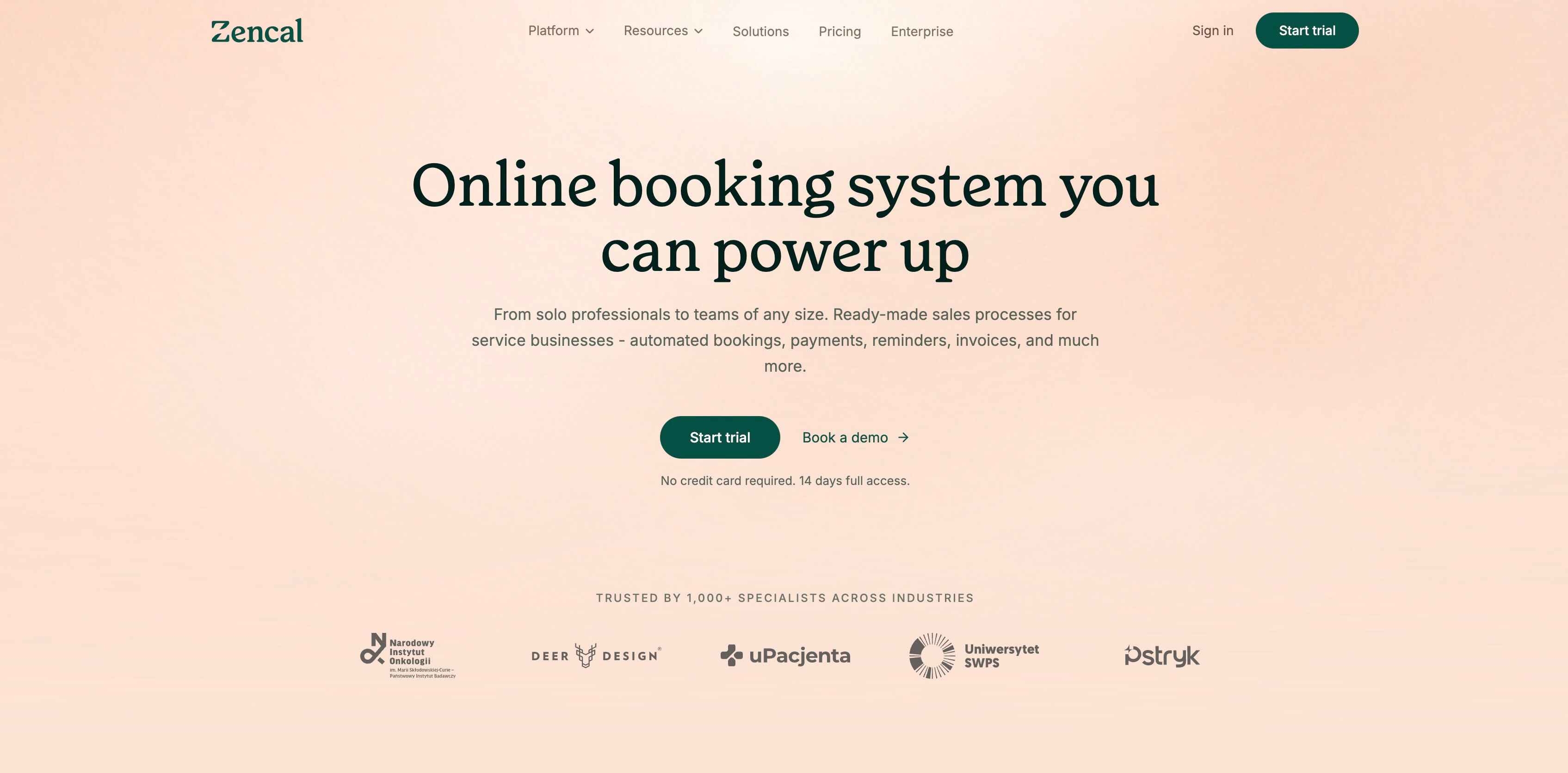
Zencal is a scheduling and booking platform focused on service businesses, paid meetings, and client-facing booking workflows. It combines scheduling with payments, reminders, invoicing, and service-selling features.
This makes it a good fit for professionals who sell their time directly.
Why Zencal stands out
Zencal is useful when booking is tied to revenue. Instead of only scheduling a meeting, users can sell consultations, sessions, classes, or appointments.
It can work well for:
- Consultants
- Coaches
- Educators
- Paid sessions
- Service businesses
- Professionals selling meetings
- Businesses that need reminders and invoices
Where Zencal may not be the best fit
If your main need is clean internal or external meeting scheduling, and you do not need invoicing or paid-session workflows, Zencal may offer more sales-related functionality than you need.
Best fit
Choose Zencal if you want a scheduling app focused on selling services, taking payments, and managing paid bookings. For how it stacks up against Novacal, see our Novacal vs Zencal comparison.
9. Reclaim AI
Best for: AI calendar planning and time blocking.
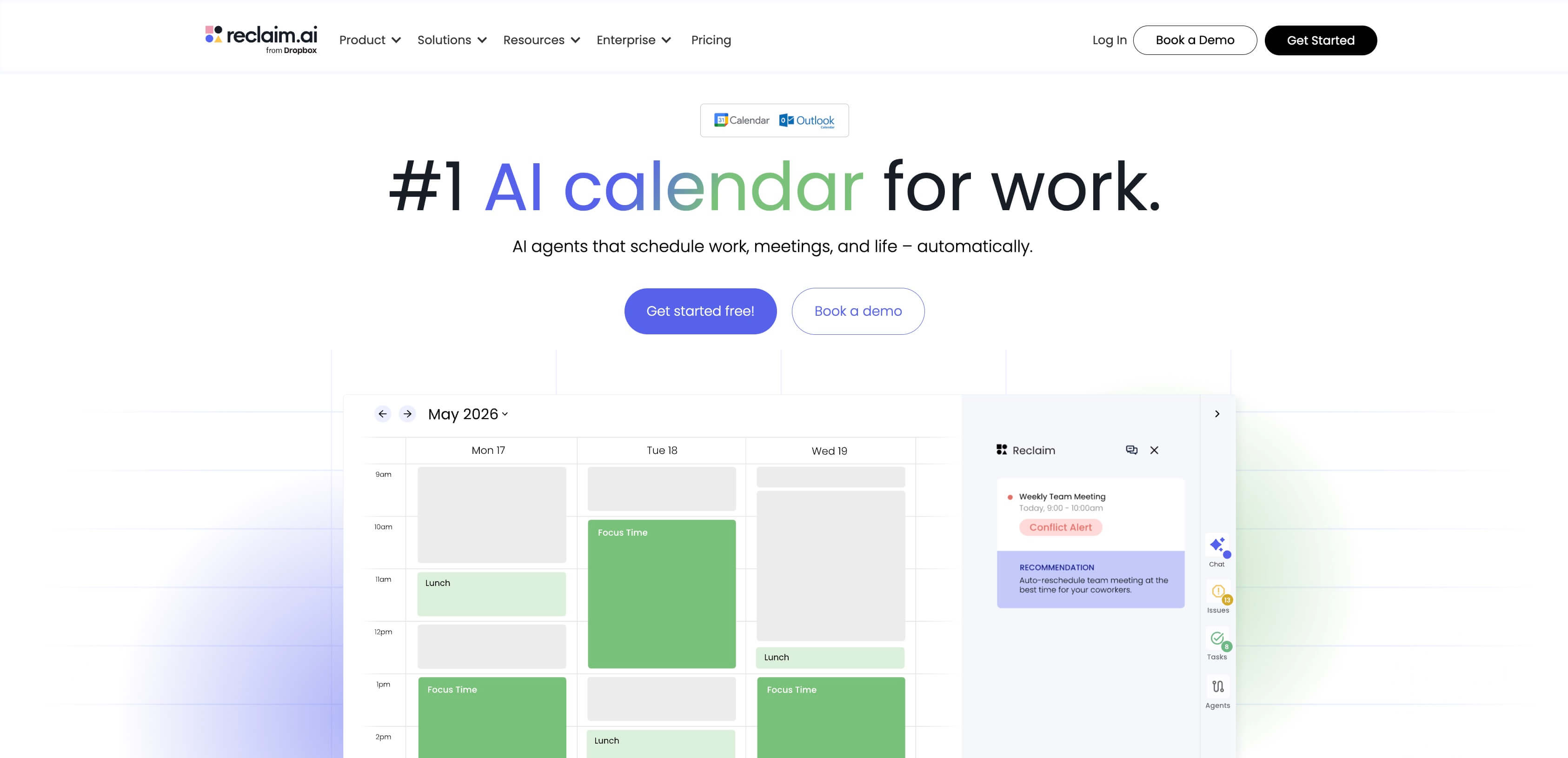
Reclaim AI is not just a traditional booking-link tool. It is an AI calendar app designed to help users plan their time, schedule tasks, protect focus time, manage habits, sync calendars, and organize meetings more intelligently.
It is especially useful for people who want help managing their calendar, not just sharing a booking page.
Why Reclaim AI stands out
Reclaim AI is strong for personal productivity and team calendar optimization. It can help automatically schedule tasks, habits, breaks, focus time, and meetings around your existing calendar.
It can be useful for:
- Busy professionals
- Managers
- Product teams
- Engineering teams
- People with many meetings
- Teams that want to protect focus time
- Users who want AI-assisted calendar planning
Where Reclaim AI may not be the best fit
If you mainly need a simple, polished booking page for clients or leads, Reclaim may be more complex than necessary. It is best when calendar optimization and AI planning are central to your workflow.
Best fit
Choose Reclaim AI if you want AI-powered calendar planning, task scheduling, smart meetings, and focus-time protection.
How to choose the best scheduling app
The best scheduling app depends on your workflow. Before choosing a tool, ask what kind of scheduling problem you actually need to solve.
If you need professional meeting scheduling
Choose a tool focused on booking pages, calendar sync, reminders, video meeting integrations, and a smooth experience for invitees.
Good options:
- Novacal
- Calendly
- YouCanBookMe
- Google Calendar Appointment Schedules
If you need team or organization scheduling
Look for features like shared availability, team booking pages, routing, booking questions, admin controls, and integrations.
Good options:
- Novacal
- Calendly
- Reclaim AI
If you run a service business
Look for appointment reminders, payments, deposits, intake forms, staff calendars, client records, and no-show protection.
Good options:
- Square Appointments
- Acuity Scheduling
- Zencal
If you need group coordination
Look for polling and shared availability features.
Good option:
- Doodle
If you want AI calendar planning
Look for automated time blocking, task scheduling, focus time, and smart meeting features.
Good option:
- Reclaim AI
Key features to look for in a scheduling app
When comparing scheduling apps, pay attention to these features:
Calendar sync
Calendar sync helps prevent double bookings by checking your existing events before showing available times.
Booking pages
A good booking page should look professional, load quickly, and make it easy for someone to choose a time.
Time zone handling
This is essential if you work remotely or book meetings with people in different countries.
Email reminders
Automated reminders reduce no-shows and keep both sides informed.
Video meeting integrations
For remote meetings, the scheduling app should be able to create or attach video meeting links automatically.
Team scheduling
Teams may need shared booking pages, routing forms, collective availability, booking questions, or admin controls.
Organization workflows
Organizations may need multiple users, shared scheduling rules, centralized setup, integrations, and booking flows that route people to the right person or team.
Booking questions
Booking questions help you collect important details before the meeting.
Payments
If people pay to book with you, choose a scheduling app that supports payments, deposits, or paid services.
Branding
Your booking page should feel like part of your business, not an afterthought.
Ease of use
The best scheduling app should save time, not create another system your team has to fight with.
Which scheduling app is best overall?
There is no single best scheduling app for every use case.
For modern meeting scheduling, Novacal is a strong choice because it combines a clean booking experience with advanced scheduling features for individuals, teams, and organizations.
For broad market familiarity and enterprise features, Calendly is one of the most established options.
For service businesses that need payments, deposits, staff calendars, and POS tools, Square Appointments is a better fit.
For appointment-heavy client workflows, Acuity Scheduling is strong.
For simple Google-native booking, Google Calendar Appointment Schedules may be enough.
For group polls, Doodle is still one of the clearest options.
For AI-powered time blocking, Reclaim AI is a better match.
Frequently asked questions
What is the best scheduling app?
There is no single best scheduling app for everyone — the right choice depends on what you are scheduling. For professional meeting scheduling and team booking, Novacal and Calendly are strong options. For service businesses that take payments, Square Appointments and Acuity Scheduling fit better. For group polls, Doodle is the clearest pick, and for AI-driven time blocking, Reclaim AI is the closer match. Decide on your main workflow first, and the scheduling app that fits becomes much easier to identify.
Is there a free scheduling app?
Yes. Several tools offer a free plan, including Novacal, Calendly, and Google Calendar's built-in appointment schedules. Free plans usually cover the essentials — a booking page, calendar sync, and basic event types — while paid plans add team scheduling, routing, branding, and integrations. If you are just starting out, a free plan is often enough to test whether a tool suits your workflow before you pay.
What is the best scheduling app for teams?
For teams, look for shared availability, team booking pages, routing forms, collective scheduling, booking questions, and admin controls. Novacal, Calendly, and Reclaim AI all handle team workflows, with Novacal and Calendly focused on booking pages and routing, and Reclaim AI focused on calendar optimization across a team.
What is the best scheduling app for a service business that takes payments?
If booking is tied to payments, deposits, staff calendars, and client records, choose a tool built for service operations rather than a meeting scheduler. Square Appointments, Acuity Scheduling, and Zencal are the strongest options here, with Square also offering point-of-sale and in-person commerce tools.
Do scheduling apps sync with Google Calendar and Outlook?
Most do. Calendar sync is a core feature that checks your existing events before showing available times, which prevents double bookings. Most scheduling apps connect to Google Calendar and Outlook, and some also support iCloud and Zoho Calendar, so confirmed bookings land on the calendar you already use.
What is the difference between a scheduling app and a calendar app?
A calendar app stores and displays your events. A scheduling app sits on top of your calendar and lets other people book available time with you, then creates the event automatically. In practice, a scheduling app removes the back-and-forth of finding a time, while your calendar remains the system of record for what is actually booked.
How do I choose the scheduling app that is right for me?
Start with the problem you actually need to solve: professional meetings, paid appointments, group coordination, service sales, or AI calendar planning. Then match the features to that workflow — booking pages and integrations for meetings, payments and intake forms for appointments, polling for group coordination, and automation for calendar optimization. The scheduling app that fits your primary workflow will almost always serve you better than the one with the longest feature list.
Final recommendation
The scheduling app you choose should match the way you work.
If you only need a basic booking page, a simple tool may be enough. If you run a service business, you may need payments, staff calendars, deposits, and client records. If you manage a busy team or organization, routing, calendar sync, shared booking pages, integrations, and team scheduling become more important.
For individuals, businesses, teams, and organizations that want modern meeting scheduling without a complicated booking experience, Novacal is a strong option to consider. It keeps scheduling simple for invitees while giving teams the advanced features they need to manage real booking workflows. You can get started with Novacal for free.
Start by choosing the workflow that matters most: meetings, appointments, group coordination, service sales, or AI calendar planning. Once you know that, choosing the right scheduling app becomes much easier.