
If you're shopping for a booking tool, two names keep coming up: Zoom Scheduler and Calendly. Both kill the endless "does Tuesday work for you?" email thread. But they were built for different reasons — one is a native add-on for teams already living inside Zoom, the other is a standalone scheduling platform that plugs into almost anything. This guide breaks down pricing, features, and fit so you can pick with confidence.
The stakes are higher than they look. In 2026, the appointment scheduling software market is worth roughly $546 million and growing at a 14.7% CAGR toward $1.9 billion by 2034 (Fortune Business Insights, 2026). Picking the right tool now saves you a painful migration later.
What Is Zoom Scheduler?

Zoom Scheduler is a native appointment-booking tool inside Zoom Workplace, generally available since June 2023. You share a booking page, invitees pick a slot from your real availability, and a Zoom meeting (or Google Meet, Teams, phone, or in-person) is created automatically.
It's aimed squarely at organizations already standardized on Zoom. If your company pays for a Zoom Workplace Business or Enterprise plan, Scheduler is bundled in at no extra cost — which is its single biggest selling point.
Key features:
- Branded booking pages with custom URLs and website embed
- Calendar sync with Google Calendar, Microsoft 365/Outlook, and Apple iCloud (up to six calendars)
- Meeting links for Zoom, Google Meet, Microsoft Teams, phone, and in-person
- Meeting polls (group-time voting) — included even on the free tier
- Round-robin team assignment and basic routing/booking-form questions
- SMS and email reminders to cut no-shows
Who it's for: Teams already paying for Zoom Workplace who want built-in scheduling without adding another vendor to the stack.
What Is Calendly?
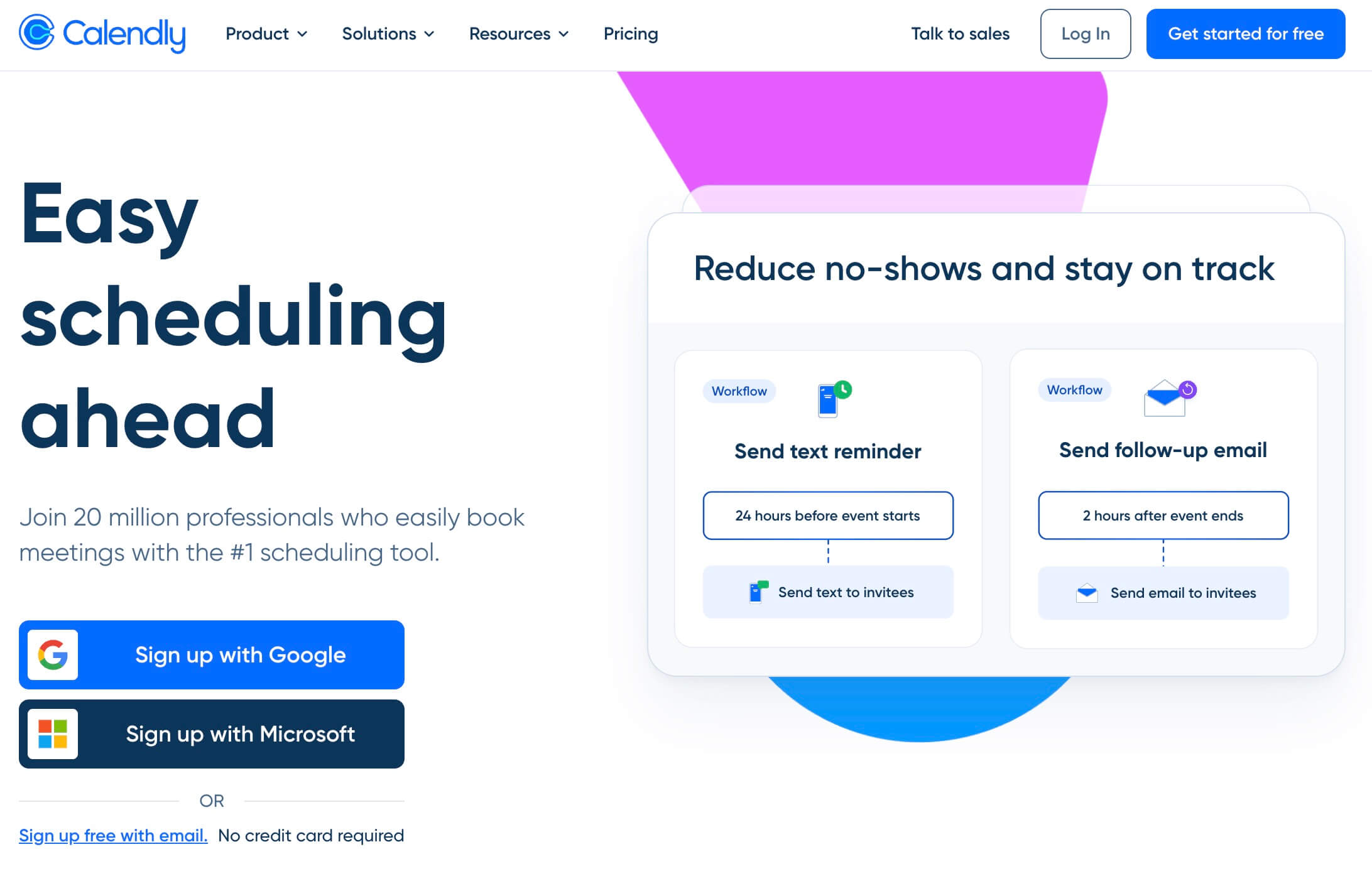
Calendly is a standalone scheduling platform launched in 2013 and now used across 230+ countries. It's the default choice for sales reps, recruiters, coaches, and customer success teams who need scheduling that works independently of any single ecosystem.
Its edge is breadth. Calendly connects to 100+ tools — Salesforce, HubSpot, Marketo, Slack, Stripe, Zapier — and offers a mature mobile app and browser extension for booking on the fly.
Key features:
- Unlimited event types (paid plans)
- Round-robin and collective scheduling
- Routing forms with CRM account lookups (Teams and Enterprise)
- Automated workflows, reminders, and follow-ups
- Native links for Zoom, Google Meet, and Microsoft Teams
- 100+ integrations plus a mobile app and browser extension
Who it's for: Individuals and teams who need a flexible, integration-rich scheduling tool that isn't tied to one vendor's ecosystem.
Feature Comparison
| Feature | Zoom Scheduler | Calendly |
|---|---|---|
| Free plan | ✅ (1 booking page, 1 calendar) | ✅ (1 event type, 1 calendar) |
| Google Calendar sync | ✅ | ✅ |
| Outlook / Microsoft 365 sync | ✅ | ✅ |
| Apple iCloud sync | ✅ | ✅ |
| Multiple calendar connections | ✅ (up to 6) | ✅ (up to 6) |
| Zoom links | ✅ native | ✅ |
| Google Meet links | ✅ | ✅ |
| Microsoft Teams links | ✅ | ✅ |
| Round-robin scheduling | ✅ | ✅ (Teams plan) |
| Routing forms | ✅ (basic) | ✅ (CRM lookups on Teams+) |
| Automated workflows / reminders | ✅ (SMS + email) | ✅ |
| Payments | ⚠️ (Stripe, select regions) | ✅ (Stripe/PayPal from Standard) |
| Native integrations | ⚠️ (fewer; API/webhooks) | ✅ (100+) |
| Mobile app / browser extension | ⚠️ (limited) | ✅ |
| Website embed | ✅ | ✅ |
A common myth — often repeated in competitor marketing — is that Zoom Scheduler can only create Zoom meetings. That's outdated. Zoom's own product documentation confirms it also generates Google Meet and Microsoft Teams links. The real trade-off isn't video tools; it's integration breadth and ecosystem lock-in.
How Do Zoom Scheduler and Calendly Compare on Price?
On headline price, Zoom Scheduler is the cheaper tool: $4.99/user/month billed annually, or free if you already pay for a Zoom Workplace Business or Enterprise plan. Calendly starts at $10/user/month for Standard and $16/user/month for Teams (annual billing).
But headline price hides the real math. Zoom Scheduler is only "free" if you're already committed to Zoom Workplace seats — otherwise you're buying an entire collaboration suite to get a booking tool. Calendly's per-seat cost climbs fast: a 20-person team on Calendly Teams runs $3,840/year. For many buyers, the smartest move is a dedicated scheduler that isn't tethered to a video platform and doesn't charge Calendly's premium — more on that below.
When to Choose Zoom Scheduler
- Your whole organization already runs on Zoom Workplace Business or Enterprise
- You want scheduling bundled into a tool your team already uses daily
- Your needs are straightforward: booking pages, reminders, basic round-robin
- You don't rely on a deep stack of CRM or marketing integrations
- Cost control matters and you'd rather not add another subscription
When to Choose Calendly
- You need the widest possible integration ecosystem (Salesforce, HubSpot, Marketo, 100+ apps)
- Your sales or RevOps team depends on CRM-based lead routing and account lookups
- You want a polished mobile app and browser extension for booking on the go
- You're not tied to Zoom and want a vendor-neutral scheduling platform
- You can absorb $16/user/month for team features
Limitations of Both
Neither tool is a perfect fit for everyone.
Zoom Scheduler's limitations:
- Best value only if you're already paying for Zoom Workplace — otherwise the "free" tier is heavily capped (one booking page, one calendar)
- Fewer native integrations than Calendly; external connections often need API or webhooks
- No dedicated mobile app or browser extension for real-time booking
- No CRM account-lookup routing for advanced sales workflows
- Payment collection is region-limited
Calendly's limitations:
- Gets expensive as teams grow — $16/user/month for Teams adds up quickly
- Free plan is restrictive (one event type only)
- Advanced routing and CRM lookups are locked behind higher tiers
- You're paying a premium for breadth you may never use
This friction is common. One in four workers still spends 3 to 4 hours every week — half a workday — just scheduling meetings, and 21% of sales and marketing pros juggle three or more scheduling tools (Calendly State of Scheduling, 2023). The right single tool should shrink that number, not add to your stack.
A Third Option: Novacal
If you've compared Zoom Scheduler and Calendly and neither feels right, you're not alone. Many teams want Calendly's flexibility and cross-ecosystem support without the per-seat price creep — and without being pushed into buying an entire Zoom Workplace subscription just to get a booking page.
Novacal is a modern scheduling platform built for exactly that gap.
Novacal offers Calendly-level flexibility with a cleaner, more modern interface, native support for both Google (Calendar, Meet) and Microsoft (Outlook, Teams) ecosystems plus Apple and Zoom — and strong team features like routing forms and collective events, all at a lower price point.
What sets Novacal apart:
- No ecosystem lock-in — Works natively with Zoom, Google Meet, Microsoft Teams, Google Calendar, Outlook, and Apple Calendar. You're not buying into any one vendor's suite
- Modern UI — A cleaner, more intuitive experience than Calendly's for both hosts and guests
- Genuine free plan — One event type, one calendar connection, unlimited meetings, website embed, and video-tool connections at no cost
- Built for teams — Routing forms, team booking pages, collective events, round-robin, and an organization-level subdomain
- Workflows & automation — Automated confirmations, reminders, and custom notifications
- Embeddable widgets & public API — Drop a booking widget on any site, or connect Novacal to your stack via API, Zapier, and HubSpot
- Competitive pricing — Individual Pro from $8/seat/month and Teams at $12/user/month, both billed annually, versus Calendly's $10 and $16
On price, Zoom Scheduler has the lowest sticker — but it's an add-on that only pays off inside Zoom Workplace. Among standalone schedulers, Novacal wins at every tier: Pro comes in below Calendly Standard, and Teams is $4 cheaper per seat than Calendly Teams.
Whether you're a solo consultant, a sales team, or a growing SaaS company, Novacal gives you dedicated scheduling power without Calendly's price tag or Zoom's ecosystem requirement.
👉 Try Novacal free at novacal.io
Final Verdict
| Zoom Scheduler | Calendly | Novacal | |
|---|---|---|---|
| Best for | Teams already on Zoom Workplace | Integration-heavy sales/RevOps teams | Teams wanting modern UI + no lock-in |
| Ecosystem | Best inside Zoom | Vendor-neutral, 100+ integrations | Google + Microsoft + Apple + Zoom |
| Team scheduling | ✅ (basic) | ✅ (expensive) | ✅ (affordable) |
| Free plan | ✅ (1 booking page) | ✅ (1 event type) | ✅ (1 event type, unlimited meetings) |
| Pricing | $4.99/user (or free with Workplace) | $10–$16/user/month | From $8/seat; Teams $12/user/month |
| Modern UI | ⚠️ | ⚠️ | ✅ |
Bottom line:
- Choose Zoom Scheduler if your organization already lives inside Zoom Workplace and your scheduling needs are simple.
- Choose Calendly if you need the deepest integration ecosystem and CRM routing, and the per-seat cost isn't a concern.
- Choose Novacal if you want a modern, affordable scheduler that works across every ecosystem — without paying Calendly's premium or committing to Zoom.
Frequently Asked Questions
Is Zoom Scheduler free?
Zoom Scheduler has a free Basic tier (one booking page, one calendar connection, and unlimited meeting polls). The paid Scheduler add-on is $4.99/user/month billed annually, and it's included at no extra cost with paid Zoom Workplace Business and Enterprise plans.
Can Zoom Scheduler create Google Meet or Microsoft Teams meetings?
Yes. Despite common claims otherwise, Zoom Scheduler supports Zoom, Google Meet, Microsoft Teams, phone, and in-person meetings as location options. Its main trade-off versus Calendly is fewer native app integrations, not video-conferencing support.
Is Calendly worth it compared to Zoom Scheduler?
It depends on your stack. Calendly is worth the higher price if you need its 100+ integrations, CRM account-lookup routing, and a mature mobile app. If you mainly need booking pages and reminders and already pay for Zoom, Zoom Scheduler covers that for far less.
What's the best affordable alternative to Zoom Scheduler and Calendly?
Novacal is a strong middle ground: a genuine free plan, individual Pro from $8/seat/month, and Teams at $12/user/month — $4 less per seat than Calendly Teams. It works across Google, Microsoft, Apple, and Zoom without locking you into any single ecosystem.
Which tool is best for a small sales team?
For a small team already on Zoom Workplace, Zoom Scheduler is the cheapest path. For teams needing CRM routing and heavy integrations, Calendly Teams fits but costs $16/user/month. If you want team scheduling, routing, and round-robin at a lower price with a modern interface, Novacal is worth a look at $12/user/month.