
If you're evaluating scheduling software, you've probably landed on two names: Calendly and Microsoft Bookings. Both solve the same core problem — eliminating the back-and-forth of booking meetings — but they're built for very different users. This guide breaks down the key differences so you can make the right call for your workflow.
What Is Calendly?
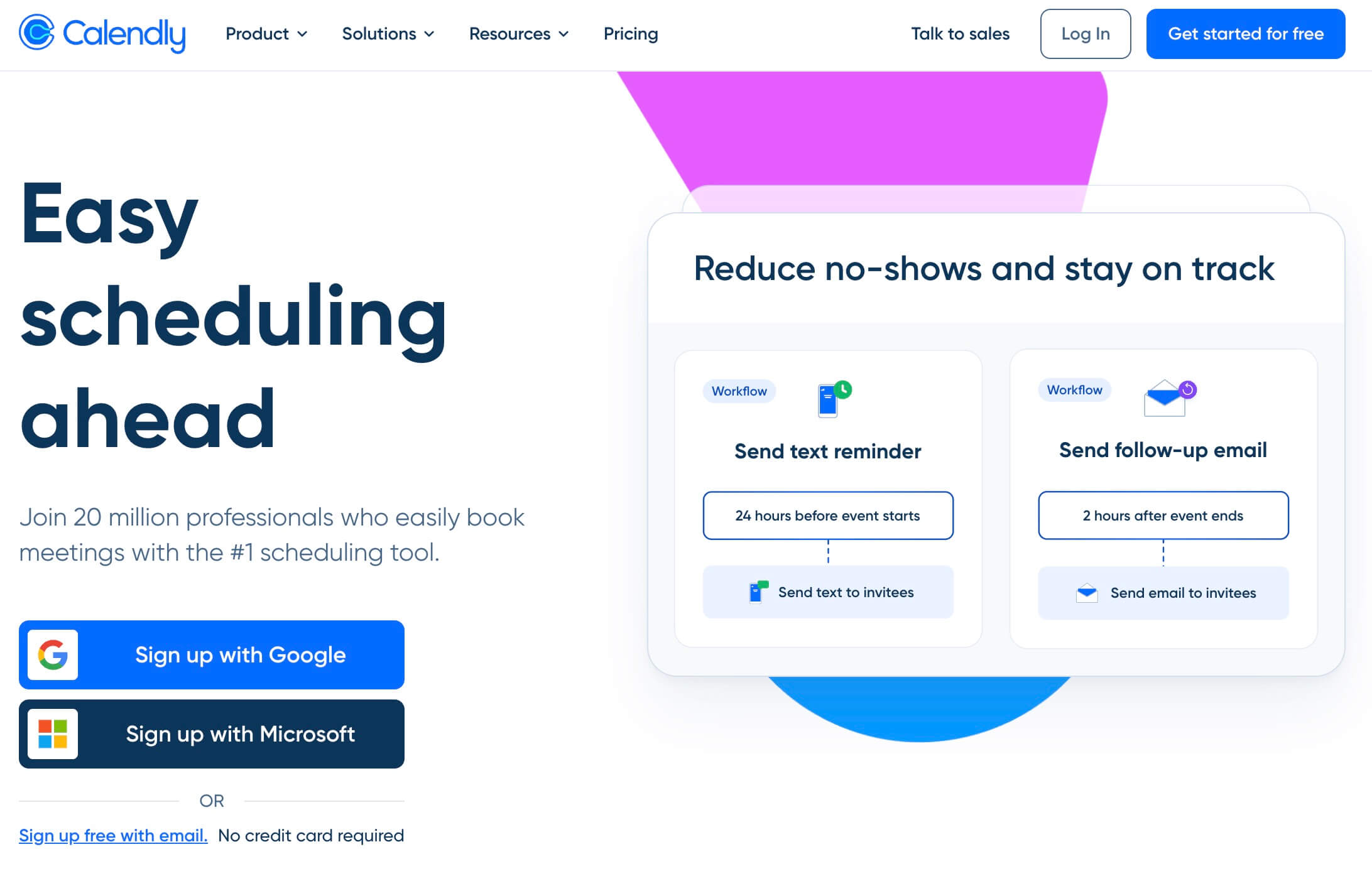
Calendly is a standalone scheduling platform launched in 2013. You share a booking link, your invitee picks a time from your real availability, and the meeting appears on both calendars automatically. No emails, no friction.
It's become the go-to tool for sales reps, recruiters, coaches, consultants, and customer success teams. Calendly works independently of any single ecosystem — it connects with Google Calendar, Outlook, Zoom, HubSpot, Salesforce, Zapier, and 100+ other tools.
Key features:
- Unlimited meeting types (paid plans)
- Round-robin and collective scheduling
- Automated workflows and reminders
- Routing forms (lead qualification before booking)
- Embeddable booking widgets
- Integrations with Zoom, Google Meet, Teams, Salesforce, HubSpot, and more
Who it's for: Individuals and teams who need a dedicated, flexible scheduling tool that works across multiple ecosystems.
What Is Microsoft Bookings?
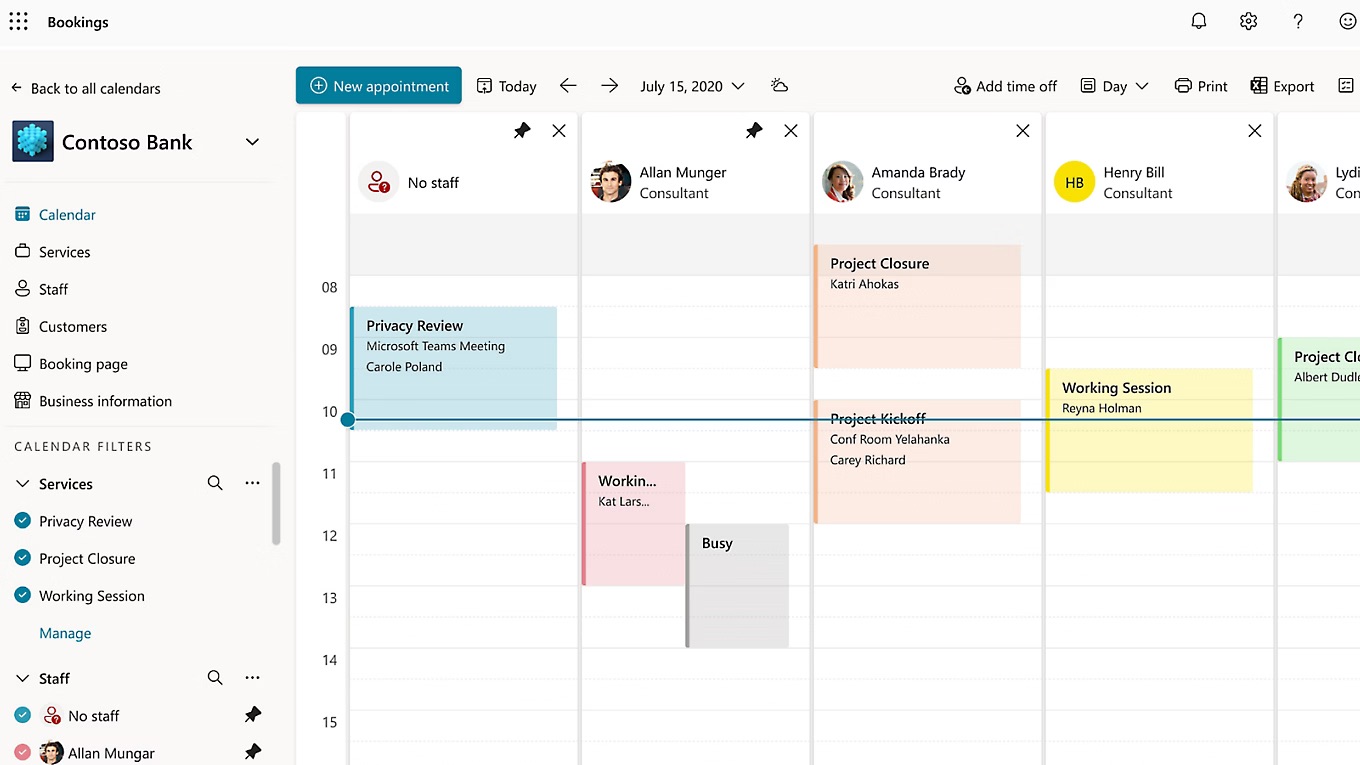
Microsoft Bookings is an appointment scheduling app bundled inside Microsoft 365. If your organization already pays for a Microsoft 365 Business plan, you likely have access to Bookings at no extra cost.
It's designed for teams deeply embedded in the Microsoft ecosystem — Outlook, Teams, Exchange. Setup is straightforward if you're already there. Less so if you're not.
Key features:
- Seamless Outlook calendar sync
- Automatic Microsoft Teams meeting links
- Team staff scheduling and availability management
- Custom booking pages
- Basic email reminders
Who it's for: Businesses already on Microsoft 365 with straightforward scheduling needs and no requirement for third-party integrations.
Feature Comparison
| Feature | Calendly | Microsoft Bookings |
|---|---|---|
| Free plan | ✅ (1 event type) | ✅ (with M365 subscription) |
| Google Calendar sync | ✅ | ❌ |
| Outlook sync | ✅ | ✅ |
| Multiple calendar connections | ✅ (up to 6) | ❌ (Outlook only) |
| Zoom integration | ✅ native | ⚠️ (requires Power Automate) |
| Google Meet integration | ✅ native | ❌ |
| Microsoft Teams integration | ✅ | ✅ |
| Round-robin scheduling | ✅ (Teams plan) | ❌ |
| Routing forms | ✅ (Teams plan) | ❌ |
| Automated workflows | ✅ | ⚠️ (basic only) |
| Embeddable widget | ✅ | ⚠️ (limited) |
| Custom branding | ✅ (paid) | ✅ (basic) |
| HubSpot / Salesforce integration | ✅ (paid) | ❌ |
| Zapier integration | ✅ | ❌ native |
| Mobile app | ✅ | ❌ (retired 2022) |
| Payment collection | ✅ (Stripe/PayPal) | ❌ |
Pricing Comparison
| Plan | Calendly | Microsoft Bookings |
|---|---|---|
| Free | ✅ Limited (1 event type) | Included with M365 |
| Entry paid | $10/user/month (Standard) | $6/user/month (M365 Business Basic) |
| Teams features | $16/user/month (Teams plan) | Included with M365 |
| Enterprise | From $15,000/year | Custom M365 Enterprise |
The pricing reality: Microsoft Bookings looks cheaper on paper — if you're already paying for Microsoft 365, you get it for free. But for teams that need advanced scheduling features (round-robin, routing, deep integrations), Calendly's Teams plan at $16/seat/month adds up fast. A 10-person team pays $1,920/year.
When to Choose Calendly
- You work across both Google and Microsoft ecosystems
- You need round-robin scheduling for a sales or support team
- You rely on Zoom, HubSpot, Salesforce, or Zapier
- You want routing forms to qualify leads before they book
- You need payment collection at booking
When to Choose Microsoft Bookings
- Your entire organization runs on Microsoft 365
- You only need Outlook and Teams — nothing else
- Your scheduling needs are straightforward (no routing, no round-robin)
- You want to avoid paying for another tool on top of your M365 subscription
Limitations of Both
Neither tool is perfect.
Calendly's limitations:
- Gets expensive quickly as your team grows ($16/user/month for team features)
- Free plan is heavily restricted (one event type only)
- UI feels dated in some areas compared to newer tools
Microsoft Bookings' limitations:
- Locked into the Microsoft ecosystem — no Google Calendar, no Zoom natively
- No round-robin scheduling
- No routing forms
- Mobile apps were retired in 2022
- Advanced automation requires Power Automate Premium (additional cost)
- Can be confusing to set up for non-Microsoft users
A Third Option: Novacal
If you've been comparing Calendly and Microsoft Bookings and still feel like neither quite fits, you're not alone. Many teams end up wanting Calendly's flexibility and Microsoft's integrations — without Calendly's price tag.
Novacal is a modern scheduling platform built for exactly that gap.
Novacal offers Calendly-level flexibility, a cleaner and more modern interface, full support for both Microsoft (Outlook, Teams) and Google (Calendar, Meet) ecosystems, and strong team features like collecting scheduling and routing forms — all at a lower price point.
What sets Novacal apart:
- Modern UI — A cleaner, more intuitive interface than Calendly's, with a smoother booking experience for both hosts and guests
- Best of both worlds — Works natively with Outlook, Teams, Google Calendar, Google Meet, Zoom, and Apple Calendar. No ecosystem lock-in
- Built for teams — Routing forms, team booking pages, collective events and organization-level subdomain for all your teams, members and bookings
- Embeddable widgets — Drop a booking widget on any website in minutes
- Workflows & automations — Automated confirmation emails, reminders, and follow-ups
- Public API + Zapier — Connect Novacal to your existing stack
- HubSpot integration — Sync bookings directly to your CRM
- Competitive pricing — Teams plan at $12/user/month (billed annually), vs Calendly's $16
Whether you're a solopreneur, a sales team, or a growing SaaS company, Novacal gives you the power of a dedicated scheduling tool without the trade-offs of being locked into one ecosystem — or one price tier.
👉 Try Novacal free at novacal.io
Final Verdict
| Calendly | Microsoft Bookings | Novacal | |
|---|---|---|---|
| Best for | Teams needing advanced scheduling + wide integrations | Microsoft-only teams with basic needs | Teams wanting modern UI + both ecosystems |
| Ecosystem | Cross-platform | Microsoft only | Google + Microsoft + more |
| Team scheduling | ✅ (expensive) | Limited | ✅ (affordable) |
| Pricing | $10–$16/user/month | Free with M365 | From $12/user/month |
| Modern UI | ⚠️ | ⚠️ | ✅ |
Bottom line:
- Choose Microsoft Bookings if you're fully on Microsoft 365 and your scheduling needs are simple.
- Choose Calendly if you need the most integrations and don't mind the cost.
- Choose Novacal if you want a modern, affordable alternative that doesn't force you to pick an ecosystem.