
If you're comparing Calendly and Acuity Scheduling, the choice usually comes down to one question: are you booking meetings, or are you managing appointments as part of a service business?
Calendly is built for fast meeting scheduling — sales calls, consulting sessions, recruiting interviews, demos, and internal meetings. Acuity Scheduling is built for appointment-based businesses that need payments, packages, memberships, client records, and more control around each booking.
This guide breaks down how they differ, what each tool costs, where each one works best, and when a simpler alternative may be a better fit.
Quick Verdict
| Calendly | Acuity Scheduling | |
|---|---|---|
| Free plan | Yes — 1 event type | No — 7-day free trial only |
| Starting price | $10/seat/month, billed annually | $16/month, billed annually |
| Setup complexity | Low | Higher |
| Payment collection | Available, but not the core focus | Built in for service businesses |
| Custom branding | Limited | Stronger customization |
| Team features | Strong — routing and round-robin | More basic |
| Best for | Consultants, sales teams, recruiters | Salons, coaches, therapists, service businesses |
What Is Calendly?
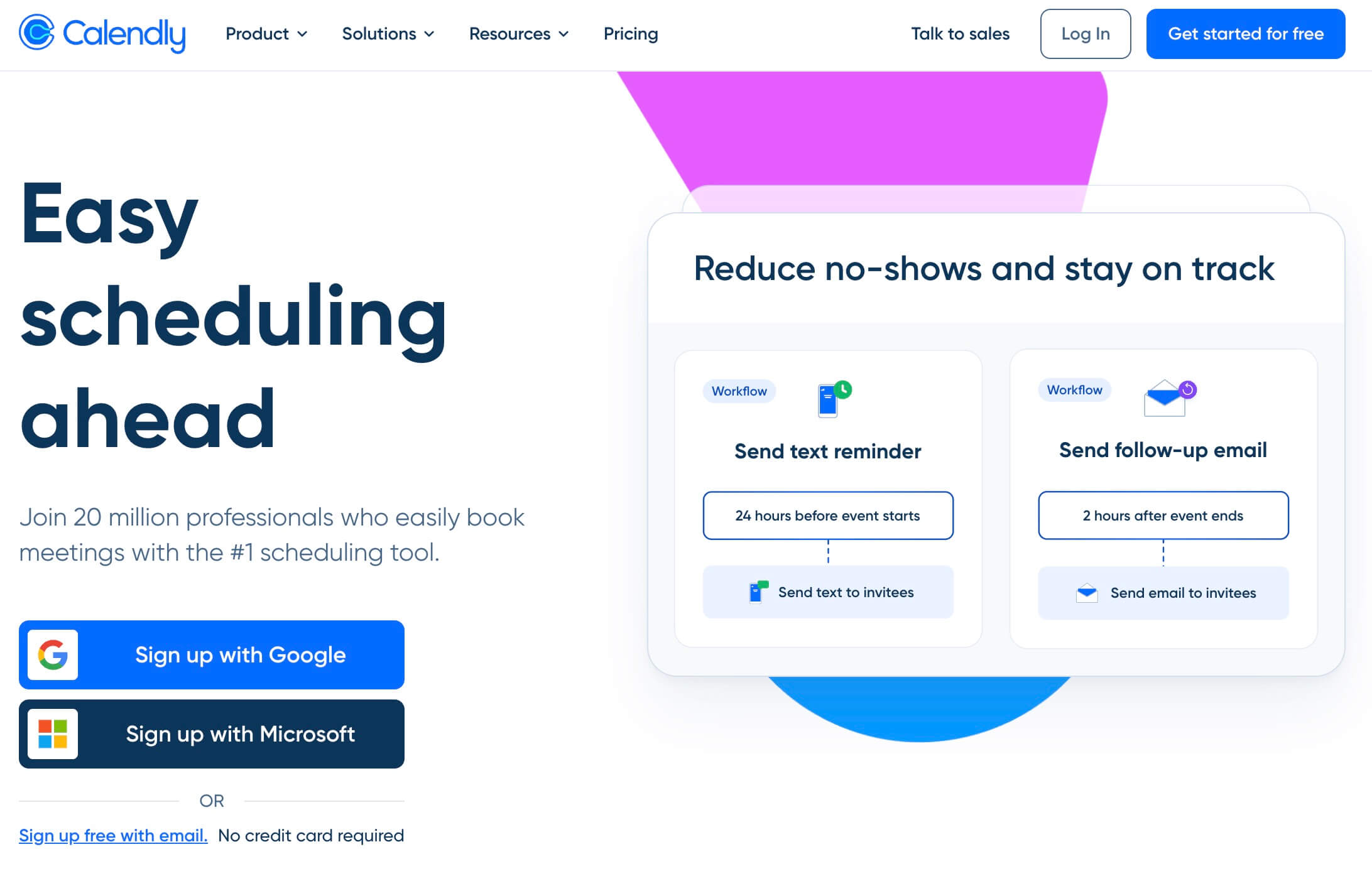
Calendly is a scheduling tool built for fast, professional meeting booking. The core workflow is simple: create a booking link, share it with someone, let them choose a time, and Calendly handles calendar availability, confirmations, and reminders.
It is especially strong for B2B scheduling: sales calls, customer demos, recruiting interviews, consulting sessions, and internal team meetings. The interface is clean, setup is quick, and the booking experience feels familiar to most users.
Calendly pricing in 2026:
- Free — 1 event type, 1 calendar connection, basic scheduling
- Standard — $10/seat/month billed annually, or $12/seat/month billed monthly
- Teams — $16/seat/month billed annually, or $20/seat/month billed monthly
- Enterprise — Custom pricing, starting around $15,000/year
Where Calendly shines:
- Fast setup for simple meeting scheduling
- Clean, familiar booking experience
- Strong team routing, round-robin, and collective scheduling
- Useful CRM integrations, including HubSpot and Salesforce on higher plans
- A free plan that works if you only need one event type
Where Calendly falls short:
- Booking page customization is limited
- Payment collection exists, but it is not the main focus of the product
- Client-management workflows are lighter than appointment-focused tools
- It can become expensive as teams grow because pricing is per seat
What Is Acuity Scheduling?
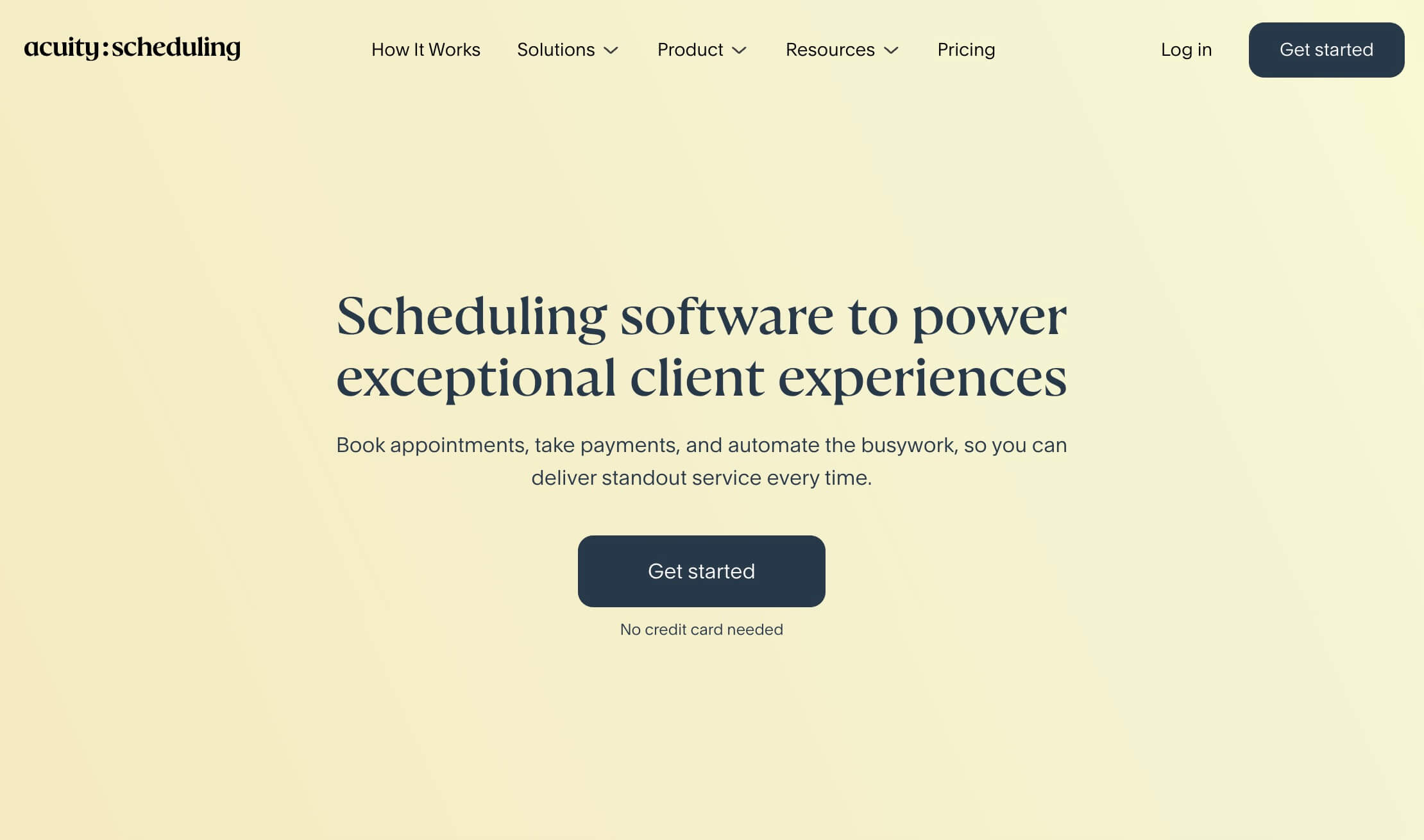
Acuity Scheduling is built for service businesses that sell appointments. Instead of focusing only on meeting links, Acuity combines scheduling with payments, packages, memberships, gift certificates, client records, and more control over the booking page experience.
That makes it a better fit for salons, wellness providers, therapists, coaches, fitness studios, photographers, and appointment-based businesses where the booking process is part of the client experience.
Acuity pricing in 2026:
- No free plan — 7-day free trial only
- Starter — $16/month billed annually, or $20/month billed monthly
- Standard — $27/month billed annually, or $34/month billed monthly
- Premium — $49/month billed annually, or $61/month billed monthly
- Enterprise — Custom pricing
Acuity pricing is per account, not per seat. That can make it more attractive for service businesses with multiple staff calendars, especially compared with per-user tools.
Where Acuity shines:
- Built-in payments through Stripe, Square, and PayPal
- Deposits, full payments, packages, memberships, and gift certificates
- Detailed client intake workflows for appointment-based businesses
- Stronger booking-page customization than Calendly
- HIPAA-related features on higher plans
- Natural fit for businesses already using Squarespace
Where Acuity falls short:
- No permanent free plan
- Setup takes more time because there are more business settings to configure
- Interface can feel heavier if you only need simple scheduling
- Team routing and round-robin are not its strongest use cases
What Matters When Choosing Between Calendly and Acuity?
The best scheduling tool is not always the one with the longest feature list. It is the one that fits the way you actually book appointments or meetings.
If you mainly need clean meeting links, calendar sync, team routing, and fast setup, Calendly is usually the stronger fit. If your booking workflow depends on payments, packages, memberships, client records, and deeper appointment-management workflows, Acuity is built more directly around that use case.
Head-to-Head: 6 Things That Actually Matter
1. Ease of Setup
Winner: Calendly. Calendly is faster to get running because it focuses on the core scheduling workflow. You can create an event type, connect your calendar, and share a booking link quickly.
Acuity gives you more control, but that control comes with more setup. If you need services, staff calendars, payments, deposits, packages, client records, and branding rules, it takes longer to configure properly.
2. Pricing and Free Plan
Winner: Calendly for solo starters; Acuity can make sense for some service businesses.
Calendly has a permanent free plan, which makes it easier to start if one event type is enough. Paid plans are per seat, so the cost grows as your team grows.
Acuity has no free plan after the 7-day trial, but its pricing is per account rather than per seat. That can be useful for service businesses with multiple staff calendars, especially if they need the appointment-business features included in Acuity's higher plans.
3. Payment Collection
Winner: Acuity. Acuity is much stronger if payments are part of your booking flow. Stripe, Square, and PayPal are built in, and Acuity supports deposits, full payments, packages, memberships, and gift certificates.
Calendly supports payment collection, but it is not the center of the product. If you need to sell sessions, collect deposits, or manage appointment packages, Acuity is the better fit.
4. Customization and Branding
Winner: Acuity. Calendly booking pages are clean and professional, but they still feel like Calendly. You can adjust basic branding, but the layout and overall experience remain limited.
Acuity gives you more control over the booking experience. For service businesses where the booking page needs to feel like part of the brand, Acuity has the advantage.
5. Team and Routing Features
Winner: Calendly. Calendly is stronger for teams that need to route meetings across multiple people. Round-robin scheduling, collective scheduling, routing forms, and team pages are built around B2B meeting workflows.
Acuity supports multiple calendars on higher plans, but its team features are more appointment-operations focused. It is better for staff calendars and service availability than for sales-style routing.
6. Integrations
Roughly even, but for different workflows. Both tools connect with major calendar and video tools like Google Calendar, Outlook, Zoom, and Google Meet.
Calendly is stronger for B2B workflows, especially if you need CRM integrations such as HubSpot or Salesforce. Acuity is stronger if your business is already built around Squarespace or if you need appointment, payment, and client-management workflows in one place.
Bottom line: Calendly is better for fast meeting scheduling and team routing. Acuity is better for service businesses that need scheduling, payments, packages, and client workflows together.
Who Should Choose Calendly?
Calendly is the right choice if you:
- Need to book meetings quickly with minimal setup
- Are a consultant, freelancer, salesperson, recruiter, or customer-facing professional
- Work in a team that routes meetings across multiple people
- Need round-robin, collective scheduling, or routing forms
- Want a free plan for basic scheduling
- Use CRM tools like HubSpot or Salesforce in your scheduling workflow
The free plan is a legitimate starting point if one event type covers your use case. Most professionals will eventually want Standard for unlimited event types, while teams usually need the Teams plan for advanced routing.
Who Should Choose Acuity Scheduling?
Acuity is the right choice if you:
- Run a service-based business such as a salon, therapy practice, fitness studio, coaching business, or similar appointment-based operation
- Need clients to pay a deposit or full amount before booking
- Need detailed client records or appointment-specific information before each booking
- Sell packages, memberships, subscriptions, or gift certificates
- Need more control over branding and booking-page customization
- Are already using Squarespace
- Need HIPAA-related features on higher plans
If your business is fundamentally about selling time and managing the client experience around appointments, Acuity is purpose-built for that in a way Calendly is not.
Neither Feels Quite Right?
Both tools make real tradeoffs. Calendly is fast and polished, but it can become expensive as your team grows. Acuity is powerful for service businesses, but it has no permanent free plan and can feel heavier if you only need scheduling.
If you're a solo professional, coach, consultant, or growing team who wants cleaner scheduling without Acuity's service-business overhead or Calendly's per-seat pricing creep, it's worth looking at Novacal.
Novacal focuses on fast, polished scheduling: booking pages, calendar sync, video integrations, routing forms, team management, organization-level scheduling, and a clean booking experience. It also gives solo users a free plan to start, with Teams starting at $12/user/month when billed annually.
It will not replace Acuity if you need built-in payments, packages, or memberships. But if your needs are closer to scheduling than client billing, Novacal gives you a simpler and more affordable path.
Final Decision Guide
Use this to cut through the noise:
- Need fast meeting scheduling, team routing, and CRM integrations? → Calendly
- Need payments, packages, client records, and appointment-business workflows? → Acuity Scheduling
- Need a clean, polished scheduling tool for yourself, a small team, or your organization — with a free plan and accessible team pricing? → Novacal
FAQ
Is Calendly better than Acuity Scheduling?
It depends on your use case. Calendly is better for meeting-based scheduling, sales teams, recruiting, and fast setup. Acuity is better for service businesses that need payments, packages, client records, and deeper booking-page customization.
Does Acuity Scheduling have a free plan?
No. Acuity offers a 7-day free trial, but it does not have a permanent free plan. After the trial, you need a paid subscription. Calendly has a free plan with one event type.
Can Calendly collect payments?
Yes. Calendly supports payment collection, but payments are not the core focus of the product. If you need deposits, packages, memberships, gift certificates, or a stronger client-payment workflow, Acuity is usually the better fit.
Which is easier to set up?
Calendly is usually easier to set up because it focuses on meeting scheduling. Acuity takes more time because it includes more appointment-business configuration, such as services, staff calendars, payments, packages, client records, and branding.
Which tool is better for teams?
Calendly is better for teams that need meeting routing, round-robin scheduling, collective scheduling, and CRM-connected workflows. Acuity is better for service businesses that need multiple staff calendars and appointment management.
Which tool is better for coaches?
It depends on how you sell your services. If you primarily need simple video-call booking, Calendly works well. If you need payment collection, packages, memberships, or detailed appointment-client workflows, Acuity is stronger. Novacal is worth considering if you want clean scheduling and team features without the heavier service-business setup.
What is the best alternative to both Calendly and Acuity?
If you want focused scheduling with a free plan and accessible team pricing, Novacal is worth considering. Cal.com is another option if open-source and self-hosting matter to you, while TidyCal is popular for users who want a one-time payment scheduling tool.