

Meeting scheduling can make or break your team's productivity. Between timezone confusion, double bookings, no-shows, and endless "does this time work?" email threads, coordination quietly eats hours every week — hours that should go toward actual work.
Good scheduling isn't just about picking a tool. It's about the process around it: who gets invited, how time is protected, and what happens before and after the meeting itself. Below are the best practices that separate teams who run efficient, well-attended meetings from teams stuck in scheduling chaos — along with where a tool like Novacal fits into each one.
1. Cut Out the Back-and-Forth Email Threads
The single biggest time-waster in meeting scheduling is the "when are you free?" email chain. Every reply adds a delay, and by the time everyone agrees on a time, the moment has often passed.
Best practice: Share a live booking link instead of proposing times manually. The other person picks a slot that works for them, and it's confirmed instantly — no round-trip required. This alone can cut scheduling time from days to minutes. In Novacal, every event type generates its own booking link by default, so this is built in rather than something to configure separately.
2. Set Clear Availability Boundaries
Being "always available" isn't a virtue — it's a fast path to burnout and fragmented focus time. Meetings that get booked into gaps between deep work blocks tend to be less productive, and constant context-switching hurts everyone involved.
Best practice:
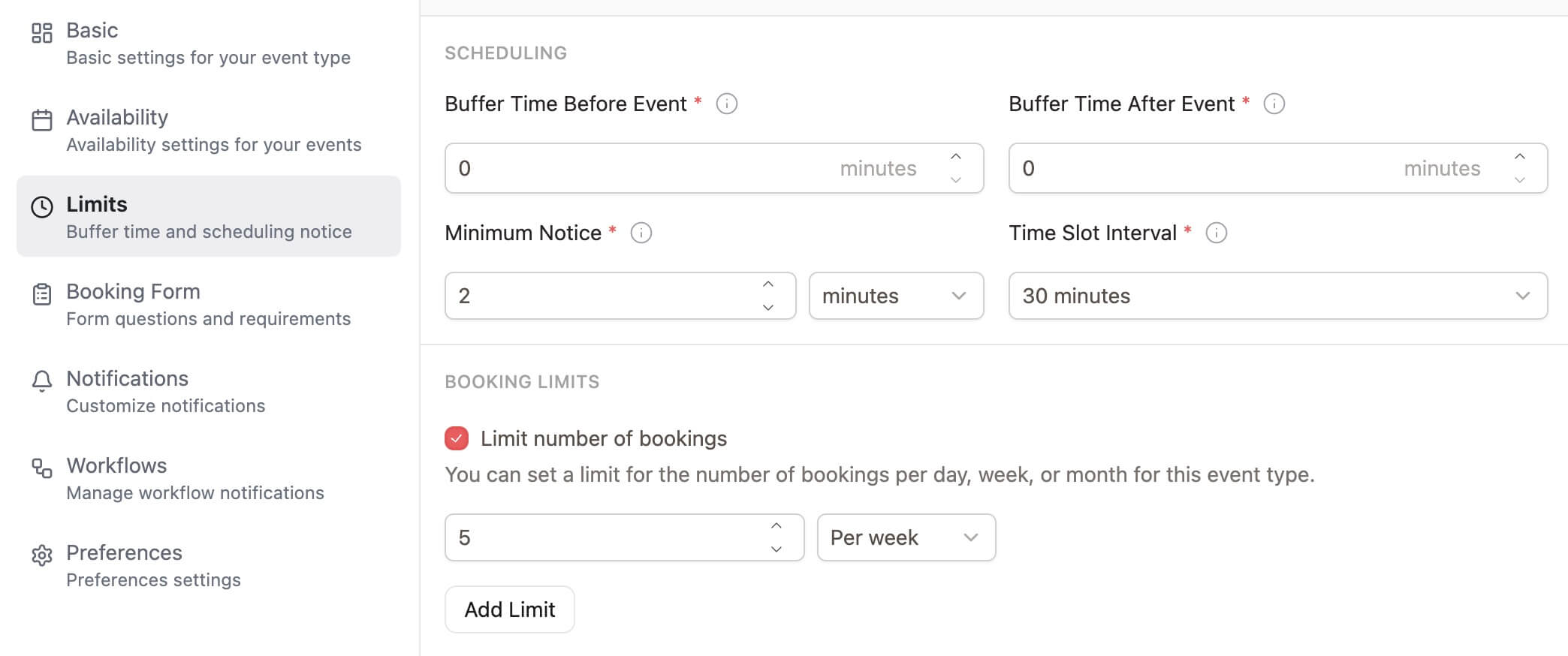
- Define specific meeting hours (e.g., no meetings before 10am or after 4pm)
- Block out focus time on your calendar so it can't be booked over
- Add buffer time between meetings so you're not sprinting from one call to the next
3. Handle Timezones Automatically
If your team, clients, or prospects span multiple regions, manual timezone math is a guaranteed source of missed or mistimed meetings.
Best practice: Use a scheduling tool that detects the invitee's timezone automatically and displays available slots in their local time. Never ask someone to convert 3pm CET to their own timezone — that's how double bookings and no-shows happen. Novacal handles this detection automatically on every booking page, so invitees always see times in their own timezone without anyone needing to ask.
4. Reduce No-Shows With Automated Reminders
A meeting that gets booked but not attended costs just as much time as a meeting that runs long. No-shows are rarely intentional — they're usually just forgotten.
Best practice:
- Send automatic confirmation emails immediately after booking
- Follow up with a reminder 24 hours and again 1 hour before the meeting
- Include the meeting link, agenda, and an easy reschedule/cancel option in every reminder
5. Use Routing Forms to Get the Right Meeting on the Right Calendar
Not every inbound request should land on the same calendar. Sales calls, support requests, and demo bookings often need to go to different people or teams depending on criteria like company size, region, or use case.
Best practice: Use a routing form ahead of the booking page to qualify the request and automatically direct it to the right team member or team — instead of manually triaging requests and forwarding them along. This is one of the areas where Novacal's routing forms are handy: the logic runs before a slot is even shown, so people only ever see the calendar of the person or team they should actually be booking.
6. Distribute Meetings Fairly With Round-Robin Scheduling
When multiple people on a team can take a given meeting type (sales calls, support calls, onboarding sessions), funneling everything to one person's calendar creates bottlenecks and burnout.
Best practice: Use round-robin scheduling to distribute bookings evenly across a team, based on availability, weighted priority, or who's next in rotation.
7. Keep Context With Every Booking
A meeting without context wastes the first five minutes on "so, what did you want to talk about?" This is especially costly in sales and client-facing work, where prior conversation history matters.
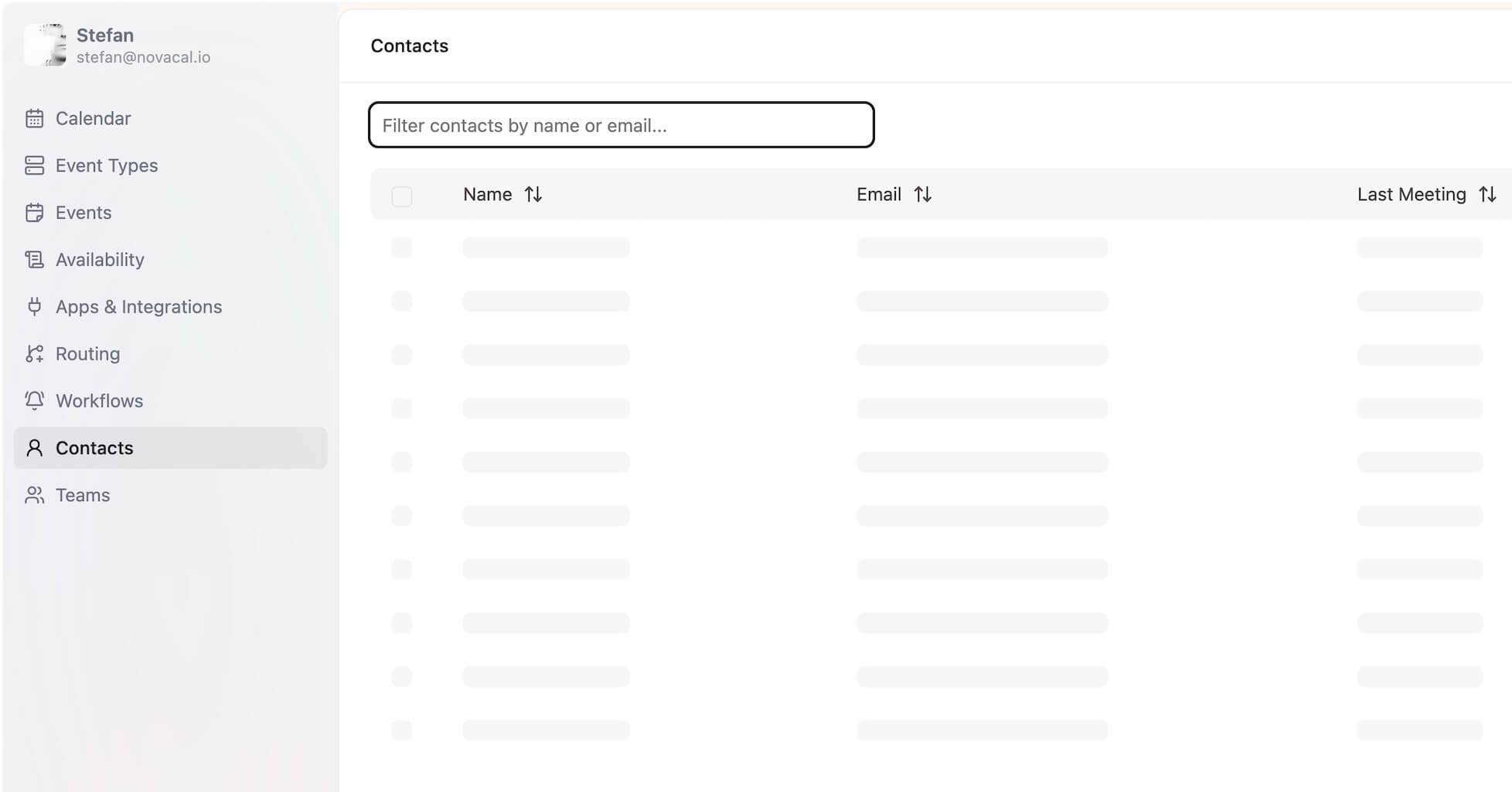
Best practice: Connect your scheduling tool to a CRM or contacts layer so that every booking carries relevant history — prior meetings, notes, and deal or project context — visible before the call even starts. Novacal's built-in Contacts CRM does this natively, so there's no separate sync step to maintain.
8. Standardize Recurring Meeting Types
If your team runs the same kinds of meetings repeatedly (1:1s, kickoff calls, demos, interviews), treating each one as a one-off booking wastes setup time and creates inconsistency.
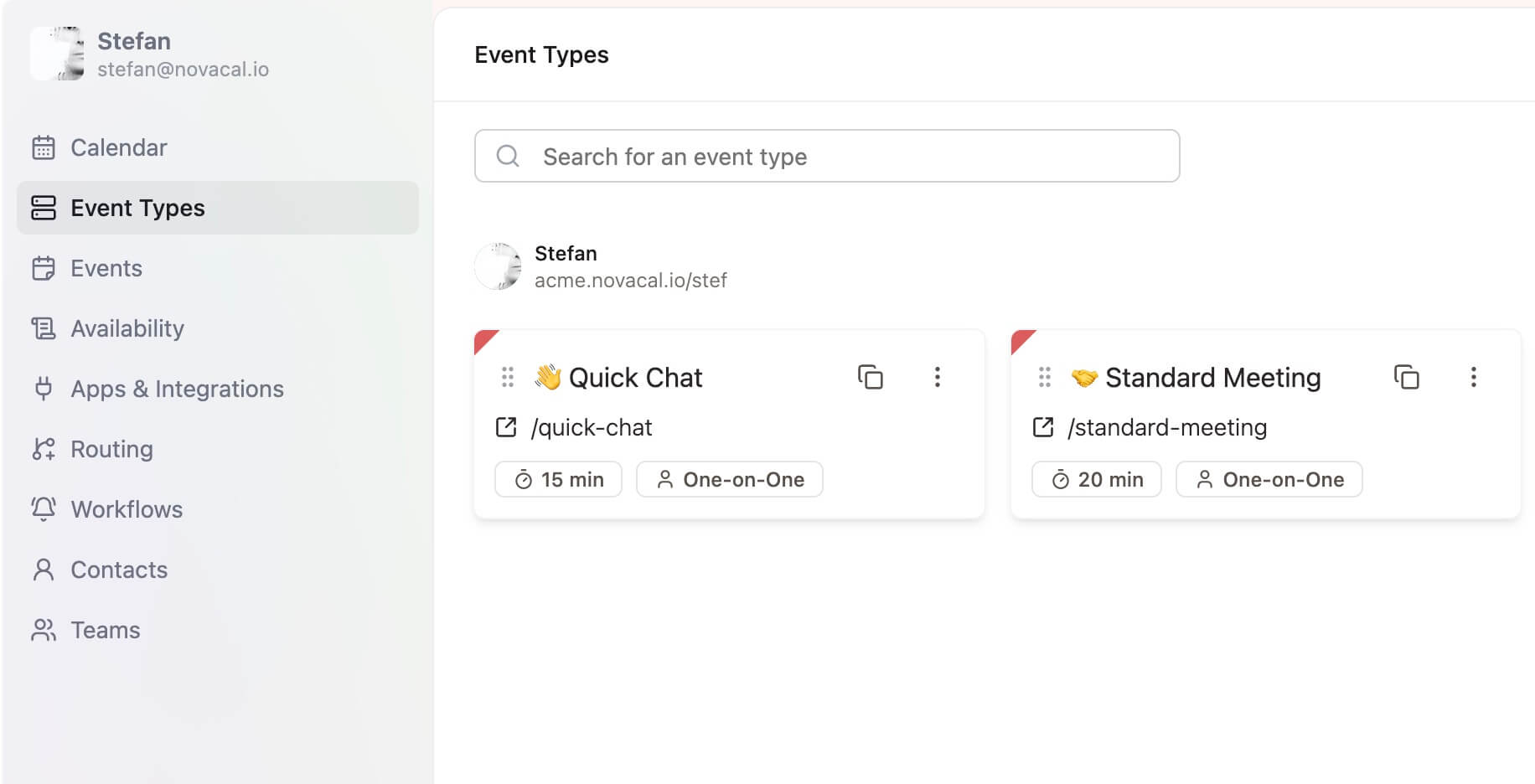
Best practice: Create dedicated event types for each recurring meeting category, each with its own duration, location (video call, phone, in-person), buffer rules, and intake questions. This keeps every instance of that meeting type consistent without reconfiguring it each time.
9. Sync Calendars in Real Time
Nothing damages trust faster than double-booking someone. If your scheduling tool isn't checking real-time availability across all your calendars, conflicts are inevitable.
Best practice: Connect all calendars you use (work, personal, team) to a single source of truth so availability is always accurate, and bookings are blocked automatically once a slot is taken.
10. Make Rescheduling and Canceling Frictionless
Rigid scheduling processes create more no-shows, not fewer. If canceling or rescheduling requires another email exchange, people are more likely to just skip the meeting entirely.
Best practice: Give every invitee a self-service link to reschedule or cancel directly from their confirmation email — no back-and-forth needed.
11. Set a Default Meeting Length (and Stick to It)
Default 30- or 60-minute meetings are rarely intentional — they're just calendar defaults. Many meetings only need 15 or 20 minutes to accomplish their goal.
Best practice: Set meeting durations based on actual purpose, not calendar app defaults. Shorter default lengths also create natural pressure to stay on topic.
FAQs on Business Meeting Scheduling
What's the biggest source of wasted time in meeting scheduling? Manual back-and-forth over email or chat trying to find a mutually available time. A shared booking link removes this almost entirely.
How do I stop double-booking myself? Connect every calendar you use to one scheduling tool with real-time sync, so a booked slot is instantly blocked everywhere rather than only on one calendar.
What's the best way to reduce no-shows? Automated confirmation and reminder emails sent without manual follow-up, paired with an easy self-service reschedule option so people aren't stuck choosing between attending or ignoring the invite.
Do I need different tools for routing, round-robin, and reminders? Not necessarily — tools like Novacal combine booking pages, routing forms, round-robin distribution, and automated reminders in one place, so you're not stitching together separate apps for each piece.
Bringing It Together
None of these practices require heroic effort — they require the right process and the right tooling running in the background. A scheduling link instead of email threads. Automatic timezone detection. Reminders that fire without anyone remembering to send them. Routing and round-robin logic that gets the right meeting to the right person automatically.
Novacal brings booking pages, routing forms, round-robin distribution, a Contacts CRM, and automated workflows together in one tool, so meeting scheduling stops being something your team has to think about.